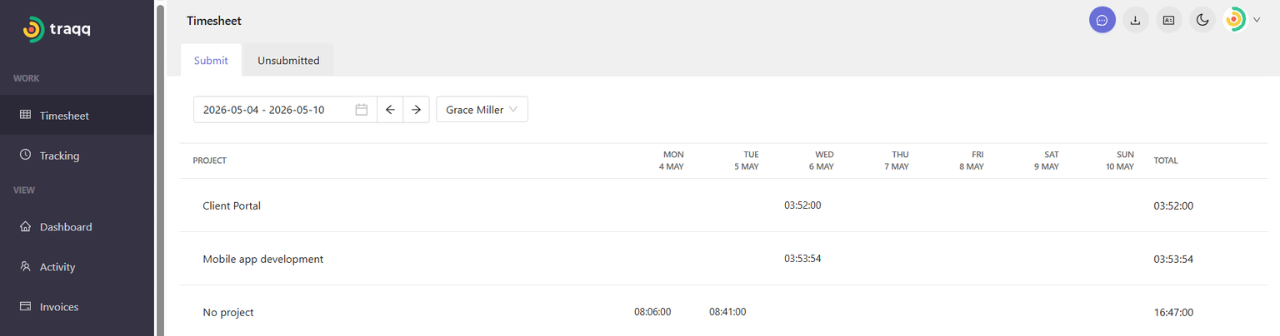
Monitoring unsubmitted timesheets
The Unsubmitted tab shows timesheets that have not yet been sent for approval. This view is available to Owners and Admins for all team members, and to Managers for team members assigned to their projects.
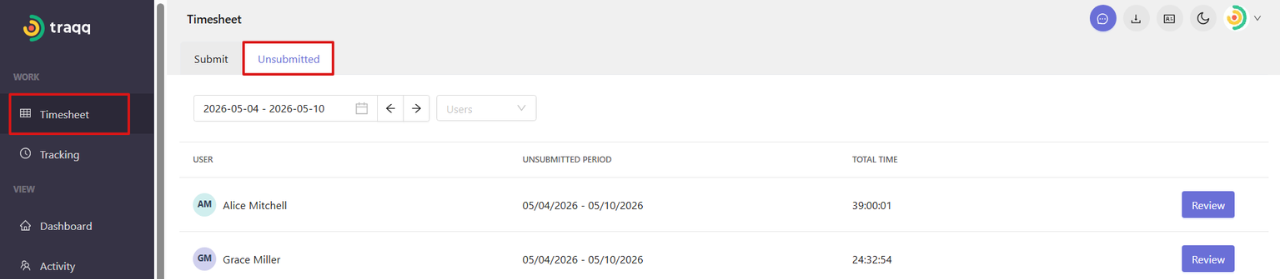
Step 1
Go to the Timesheet section and open the Unsubmitted tab.
Step 2
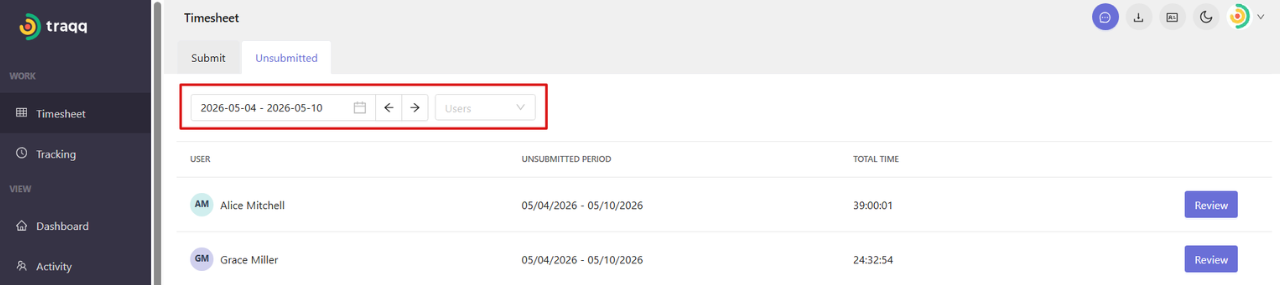
Use filters at the top of the page to switch between date ranges and users.
Step 3
Review the list of users and their unsubmitted timesheets. For each user, you can see:
- - Unsubmitted time period
- Total tracked time - Step 4
Click Review to open detailed information for a specific user.
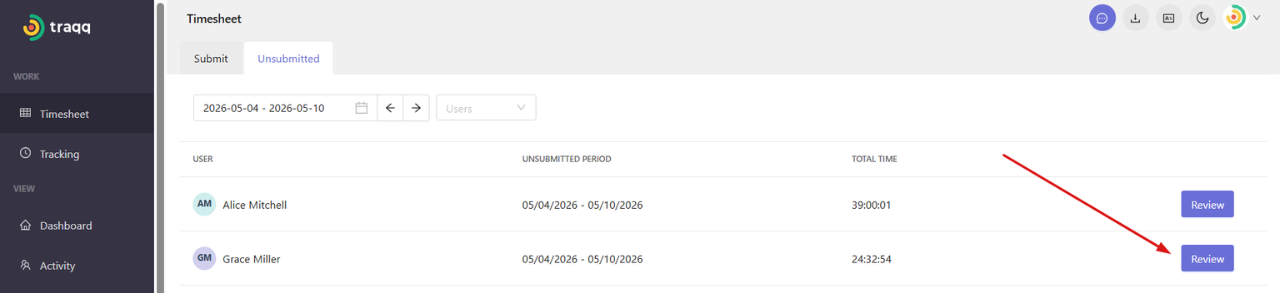
It will open the timesheet with a breakdown by days and projects.