Team management software
Manage people and teams alongside time tracking. Traqq helps you organize users into teams, assign managers, set working capacity, and keep team information connected to your time-tracking data.
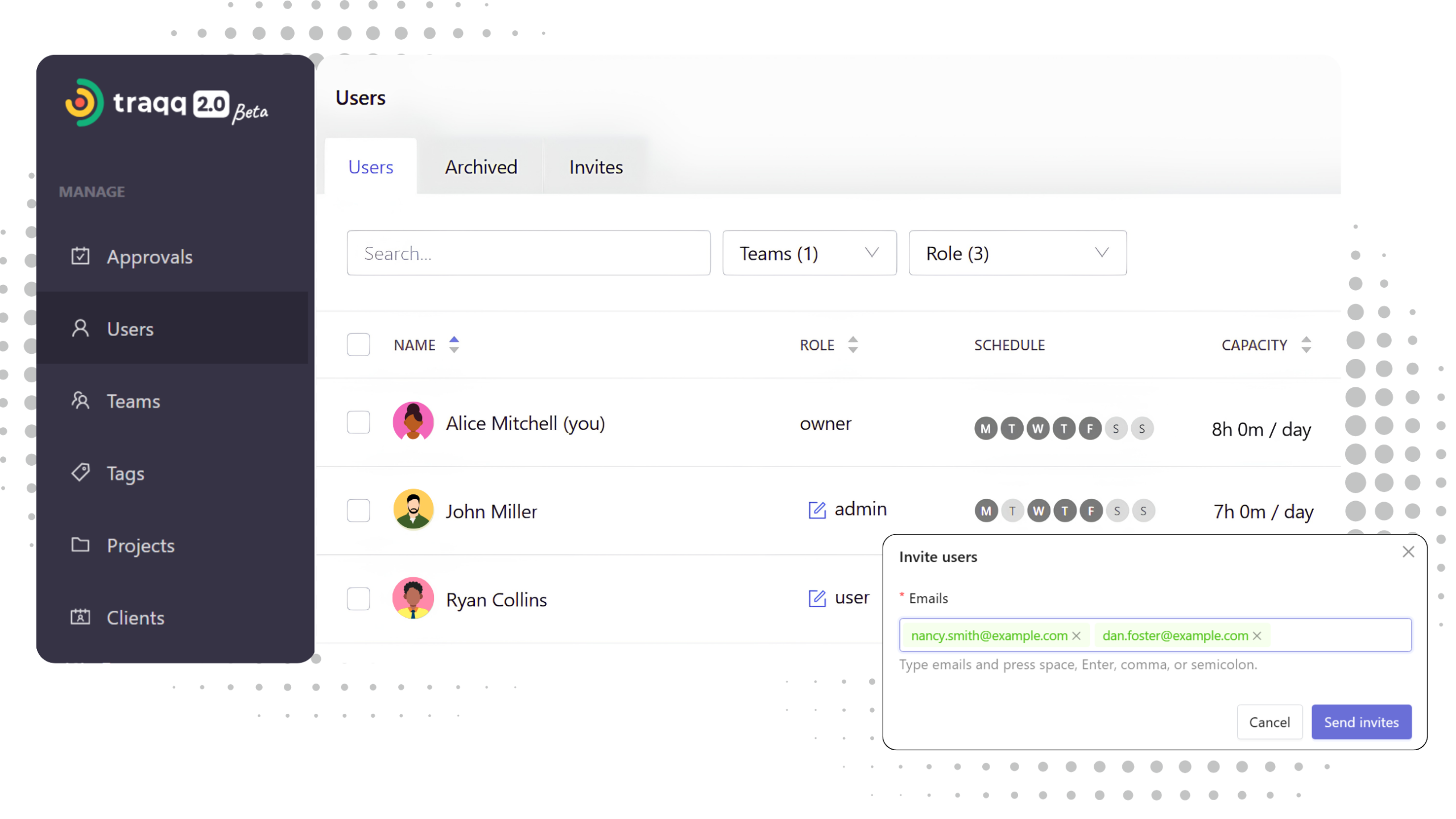
Manage your team in Traqq
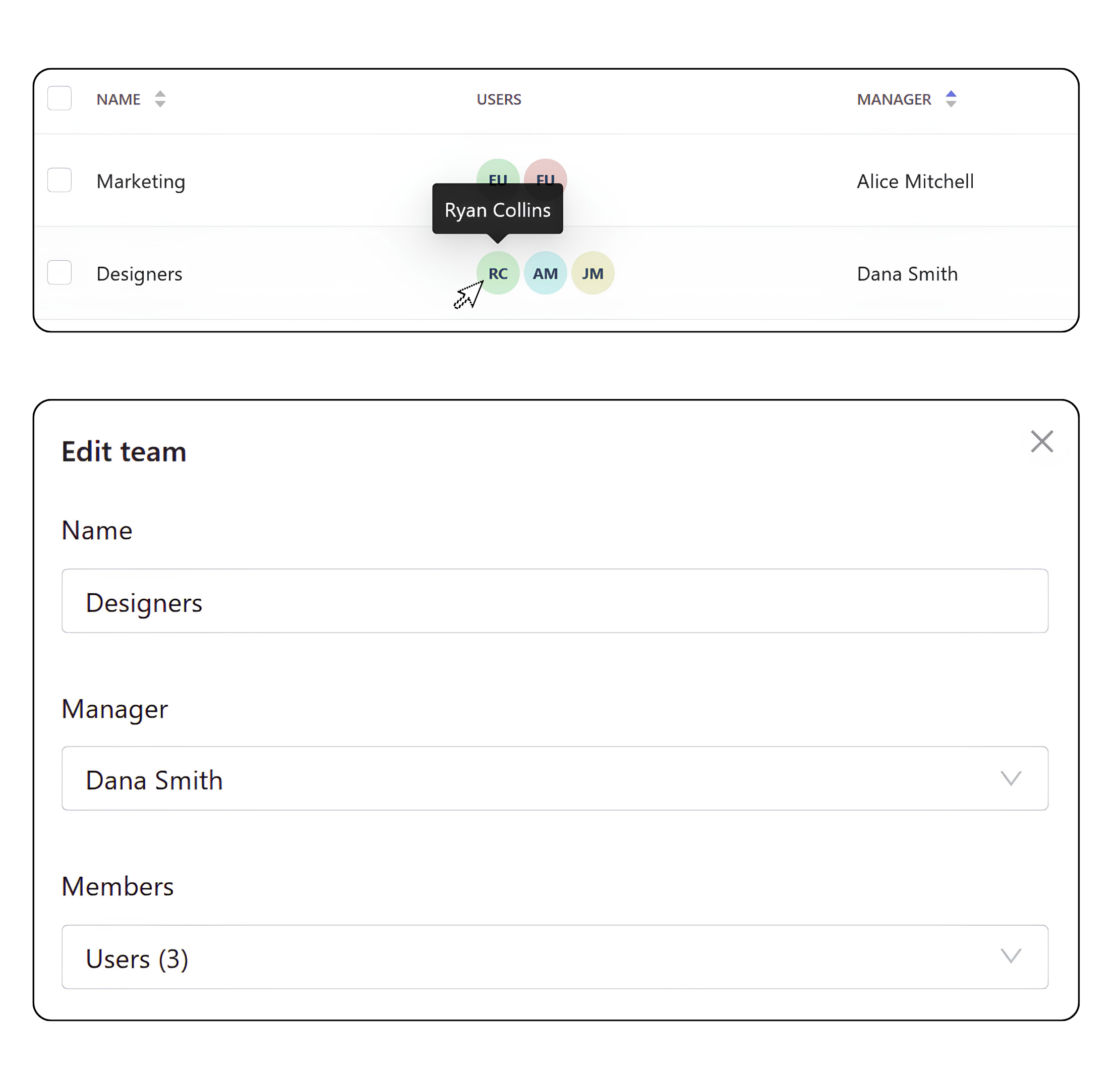
Manage users and teams
- Invite users
Add users to your workspace and assign them to teams and projects. - Create and edit teams
Create teams, add users, and assign a team manager. - Archive and restore users
Remove access while keeping user records. Restore archived users when needed or permanently delete archived accounts. - Review user assignments
See which teams and projects users belong to.
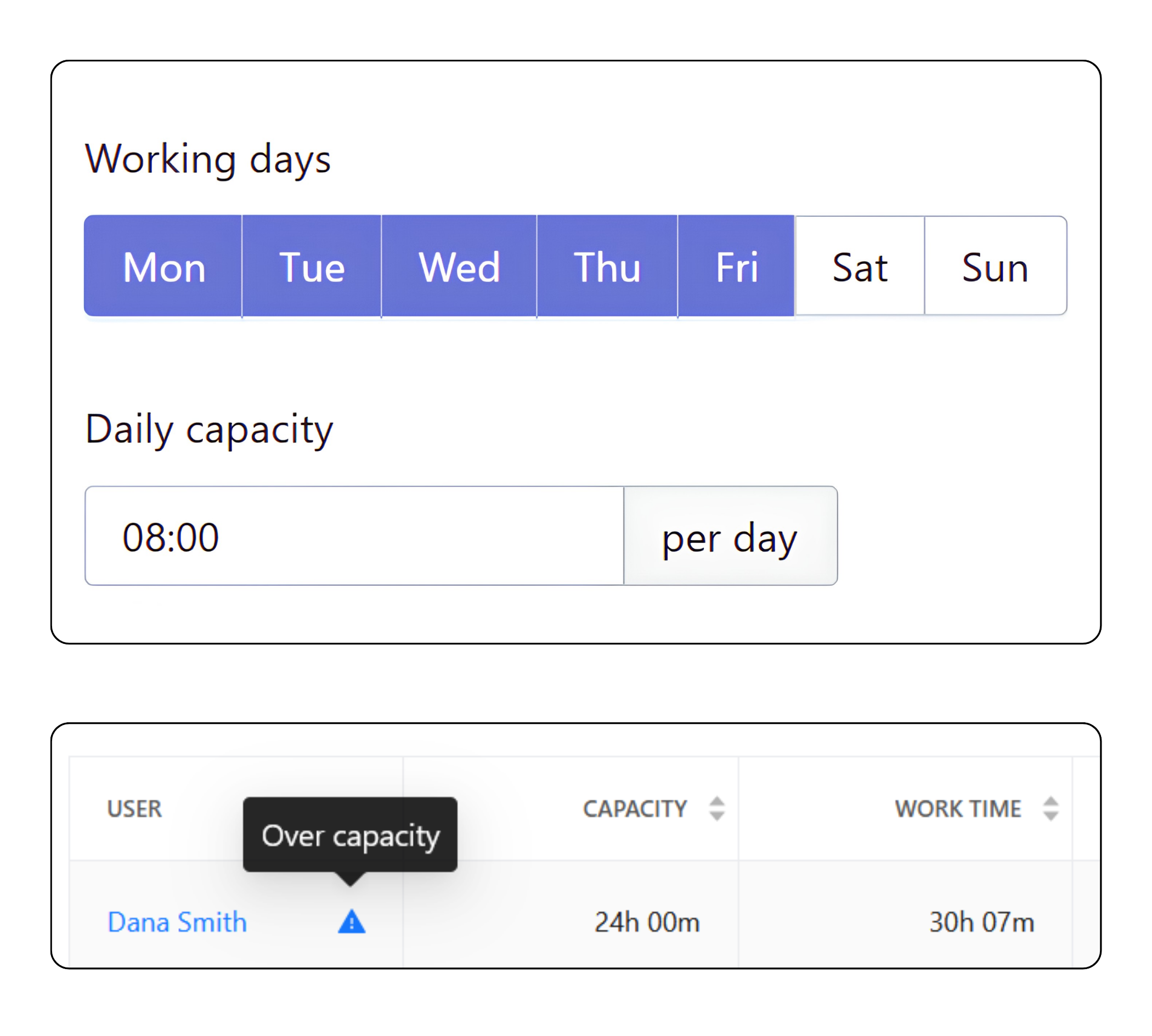
Set individual capacity
- Set daily capacity
Define the expected working time for each team member. - Set working days
Choose the days each team member is expected to work. - Compare capacity with tracked time
Use planned capacity alongside tracked time to see how much time was expected and how much was actually tracked.
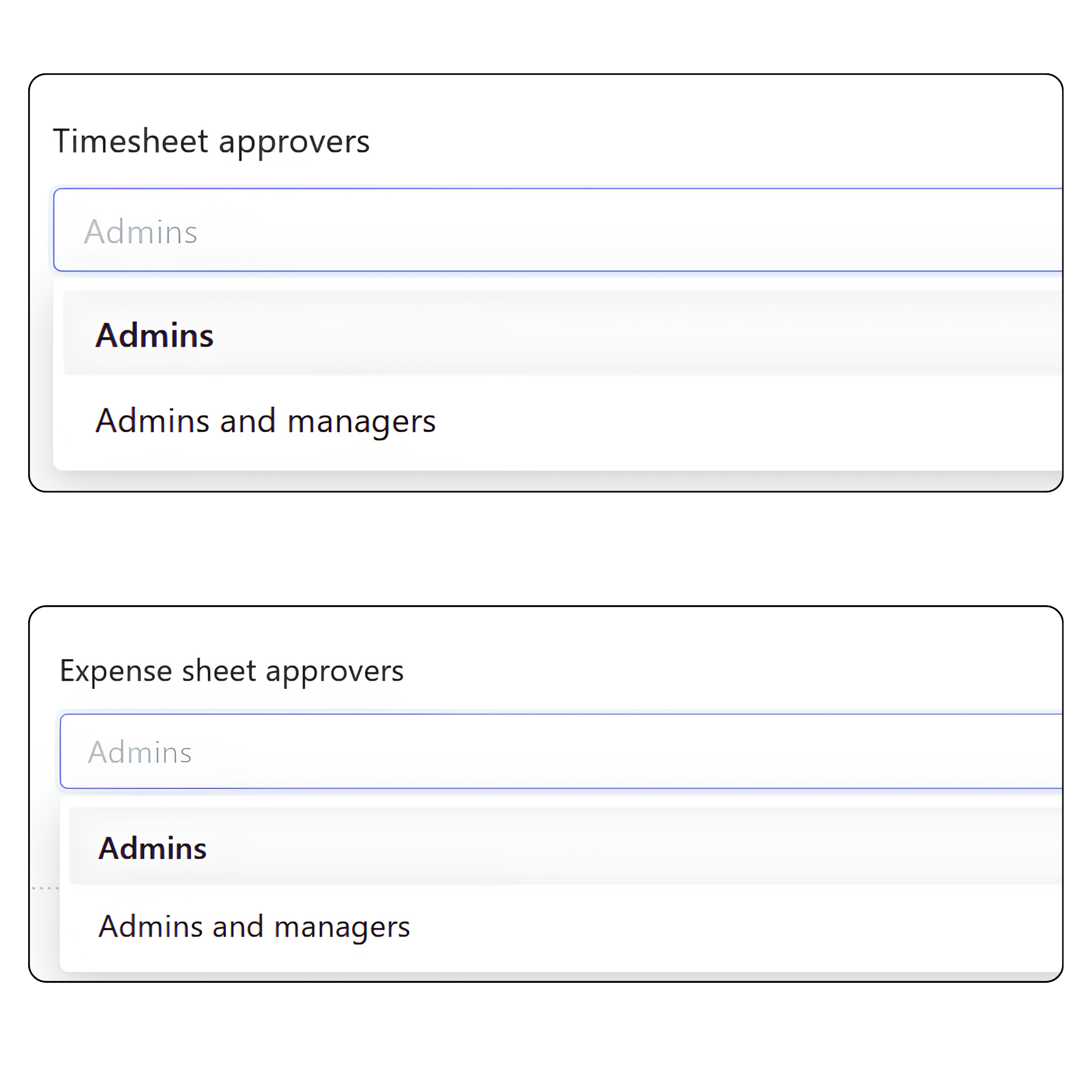
Manage access and responsibilities
- Assign managers
Choose who is responsible for each team and project. - Manage user access
Control who can view and manage team and project data with roles and permissions. - Set approvers
Configure who can approve timesheets and expenses.
Keep team structure connected to time data
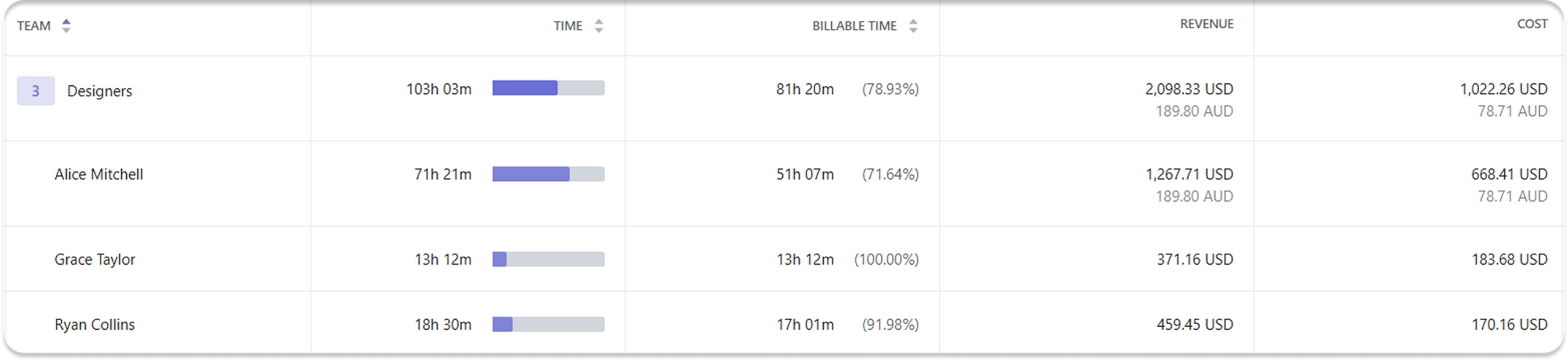
Team management puts tracked time in context by keeping users, teams, managers, and capacity settings connected. Reports then let you review tracked time and capacity by teams and users.
FAQ
Why use team management with time tracking?
Team management makes it easier to organize tracked time around teams. Managers can filter time by team and review the hours tracked by the people they manage.
Can team management help organize remote and distributed teams?
Yes. You can group employees into teams, assign managers, and set a time zone for each user. This helps managers keep track of team members across different locations and working hours.
How does team management affect access to data?
Team management helps organize users into teams and assign managers to them. Combined with roles and permissions, this setup controls access to tracked time, projects, reports, and financial data.
Can Traqq help manage team workload?
Yes. Traqq’s team workload management tools compare tracked time with planned capacity to help managers understand workload across their teams. This makes it easier to see how work is distributed and identify when someone is working above or below their expected capacity.