Registering and creating your workspace
To start using Traqq, you need to create an account and set up your workspace.
Step 1
In the top-right corner of the Traqq website, click Create workspace, or go directly to https://beta.traqq.com/signup.
Step 2
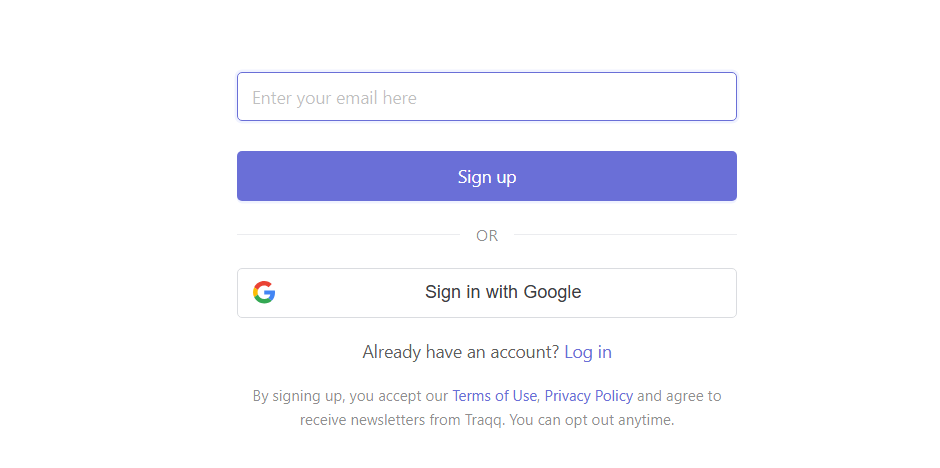
Enter your email address to create an account, or select Sign in with Google to continue with your Google account.
Step 3
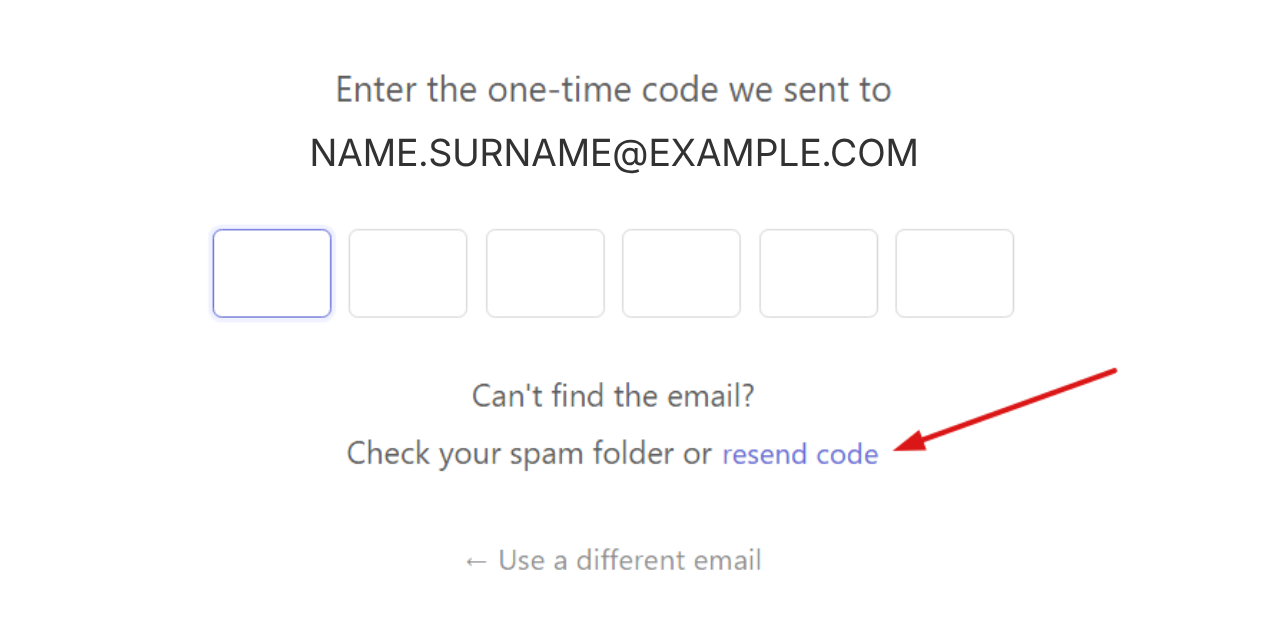
If you enter your email address, you will receive a one-time code by email. Enter the code to continue.
If you have not received the code, you can click Resend code.
If you choose Sign in with Google, select your Google account and complete the authentication process. You will then be redirected to your workspace.
Once your account is created, you can start inviting your team.