Login options
In Traqq, you can sign in using Google sign-in, password login, or a one-time email code.
Sign in with Google
If your Traqq account is linked to Google, you can use your Google credentials to access your account.
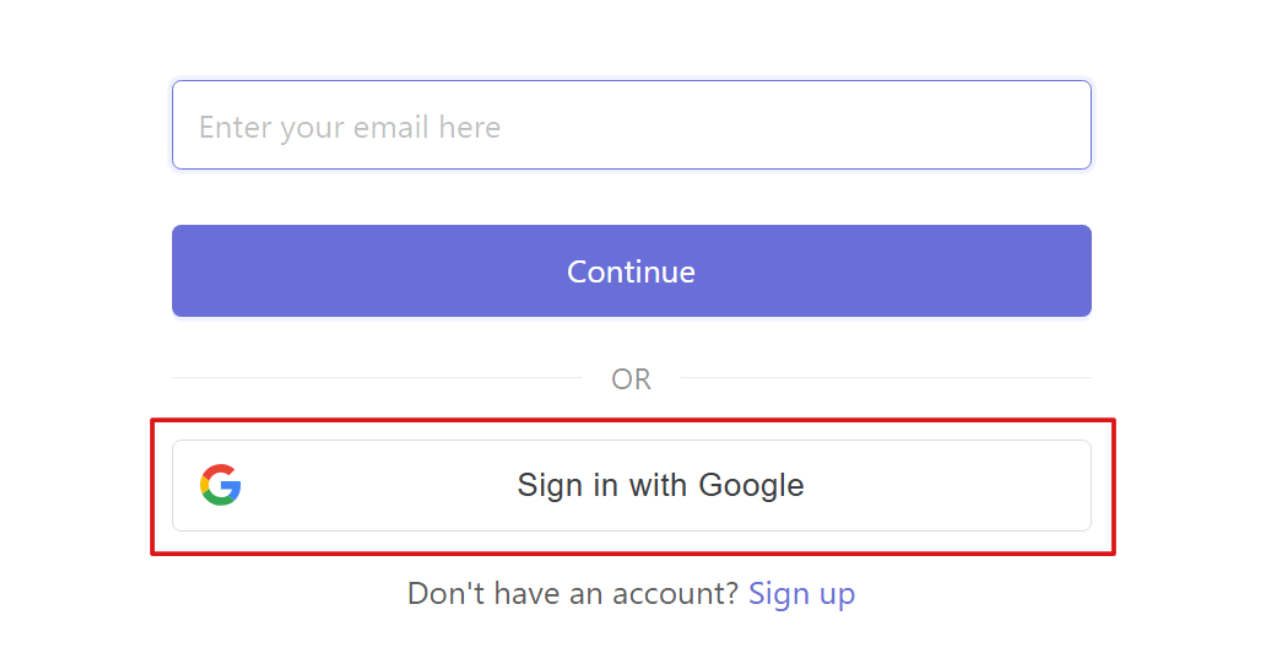
Open the Traqq login page and click Sign in with Google. Then select your Google account and complete the authentication process.
Sign in with password
You can use your email and password to sign in if you have already set a password.
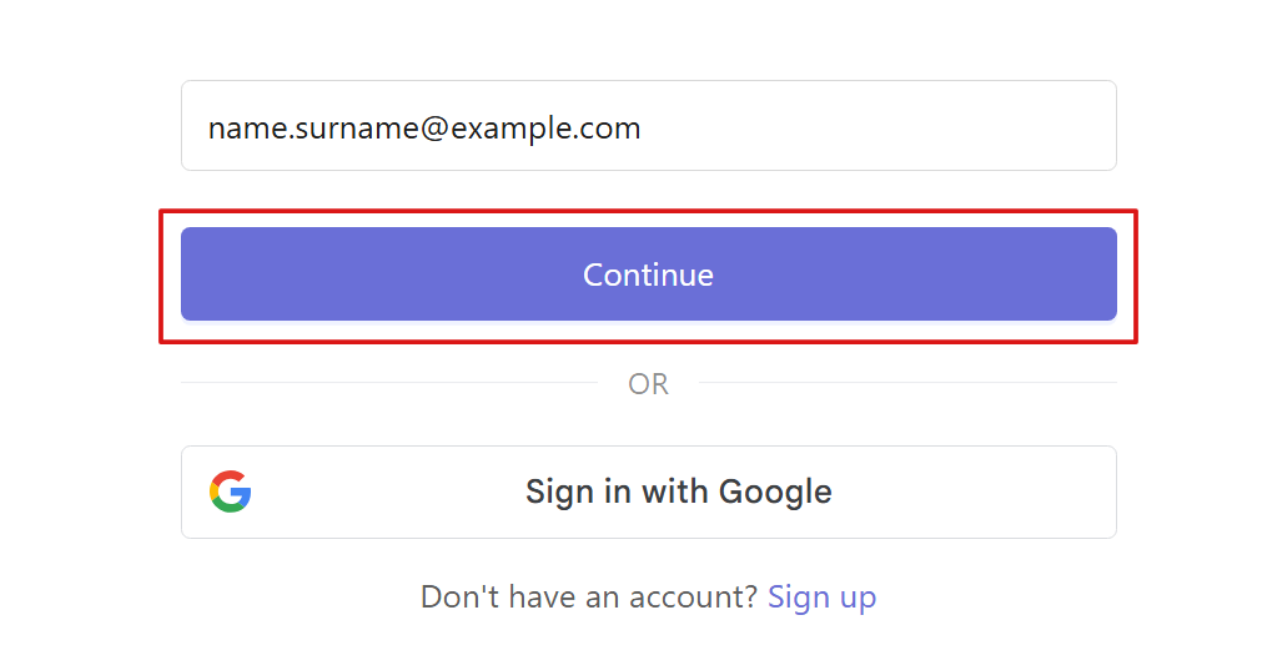
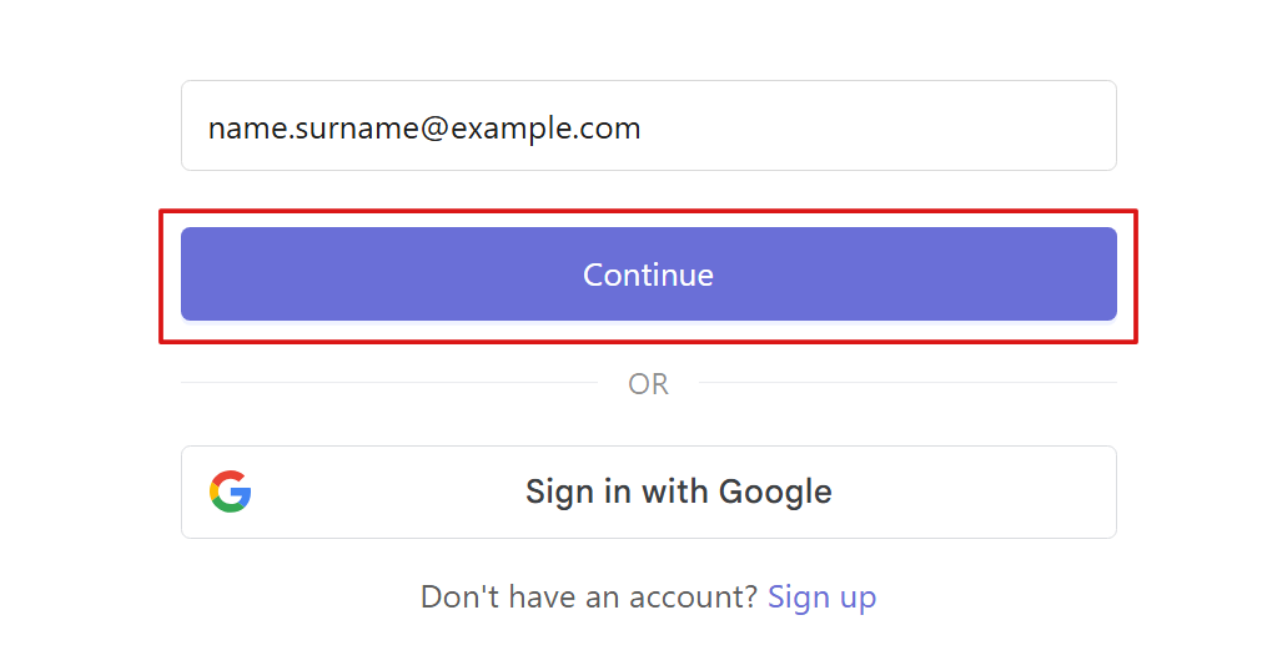
Open the Traqq login page, enter your email address, and click Continue.
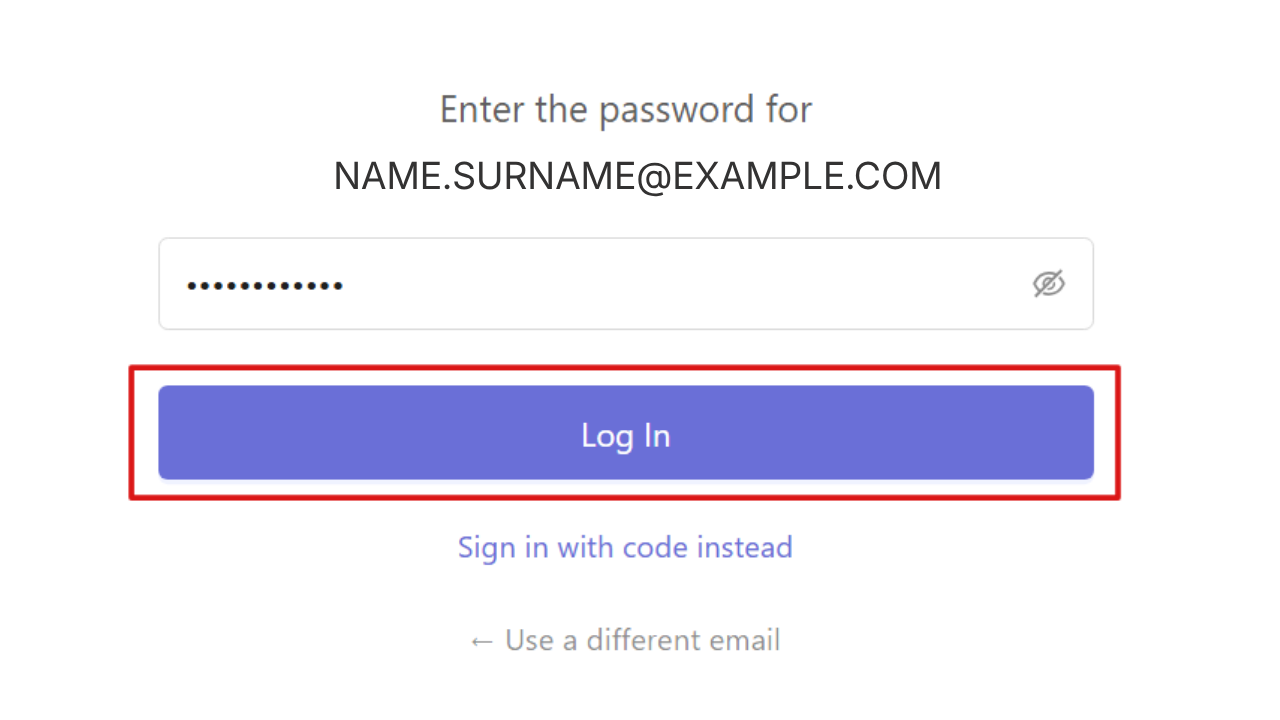
On the next page, enter your password and click Log in.
Sign in with a one-time email code
You can also log in using a temporary code sent to your email each time you sign in. This method does not require a password and generates a new code for each login attempt.
To use this option:
Open the Traqq login page, enter your email address, and click Continue.
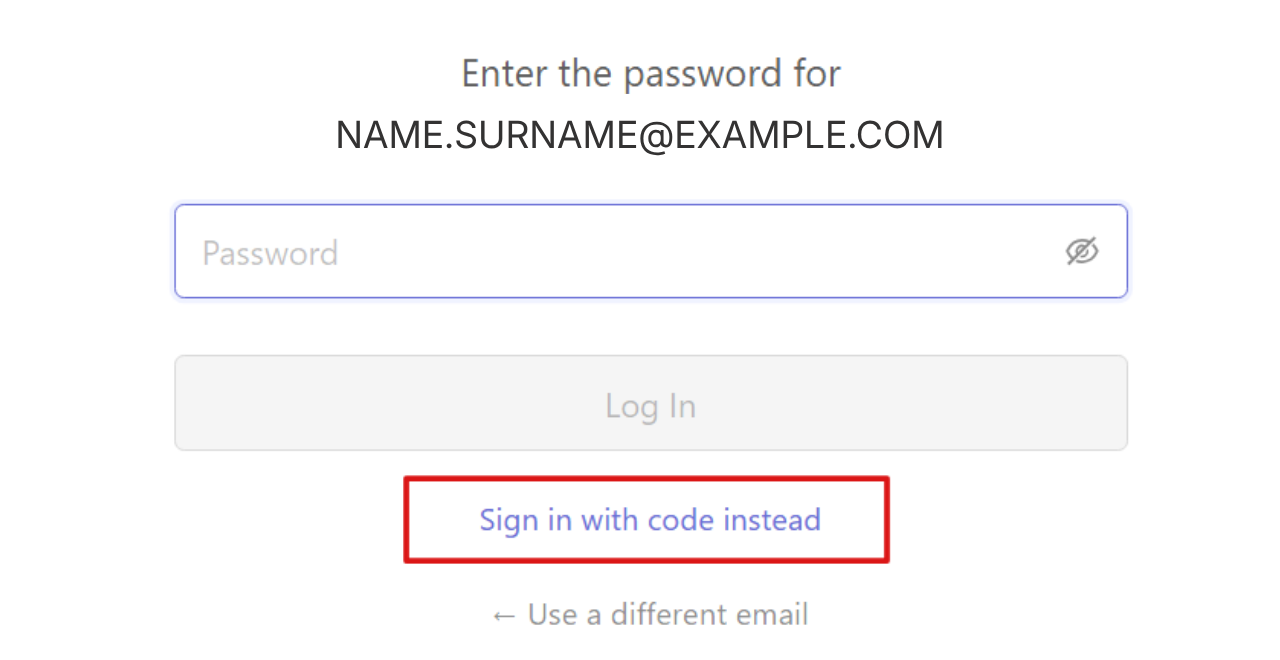
If you are prompted to enter a password, select the option Sign in with code instead.
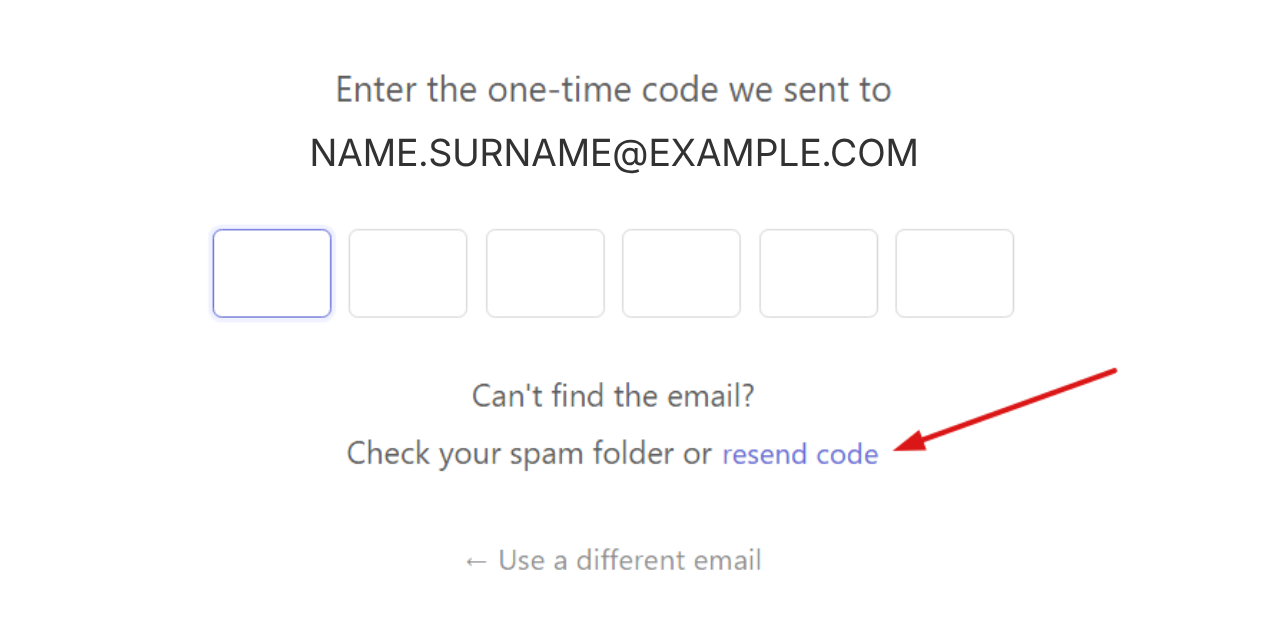
Check your inbox and enter the code in the code input field.
If you have not received the code, you can click Resend code.