Setting your extension and integrations
The Traqq browser extension lets you track time in your browser and connect with tools like Trello or Asana.
The extension syncs automatically with the web app, so all tracking activity is updated in real time across both platforms. For example, if you start a tracking session in the web app, it will instantly appear in the browser extension and vice versa.
Log in to the extension
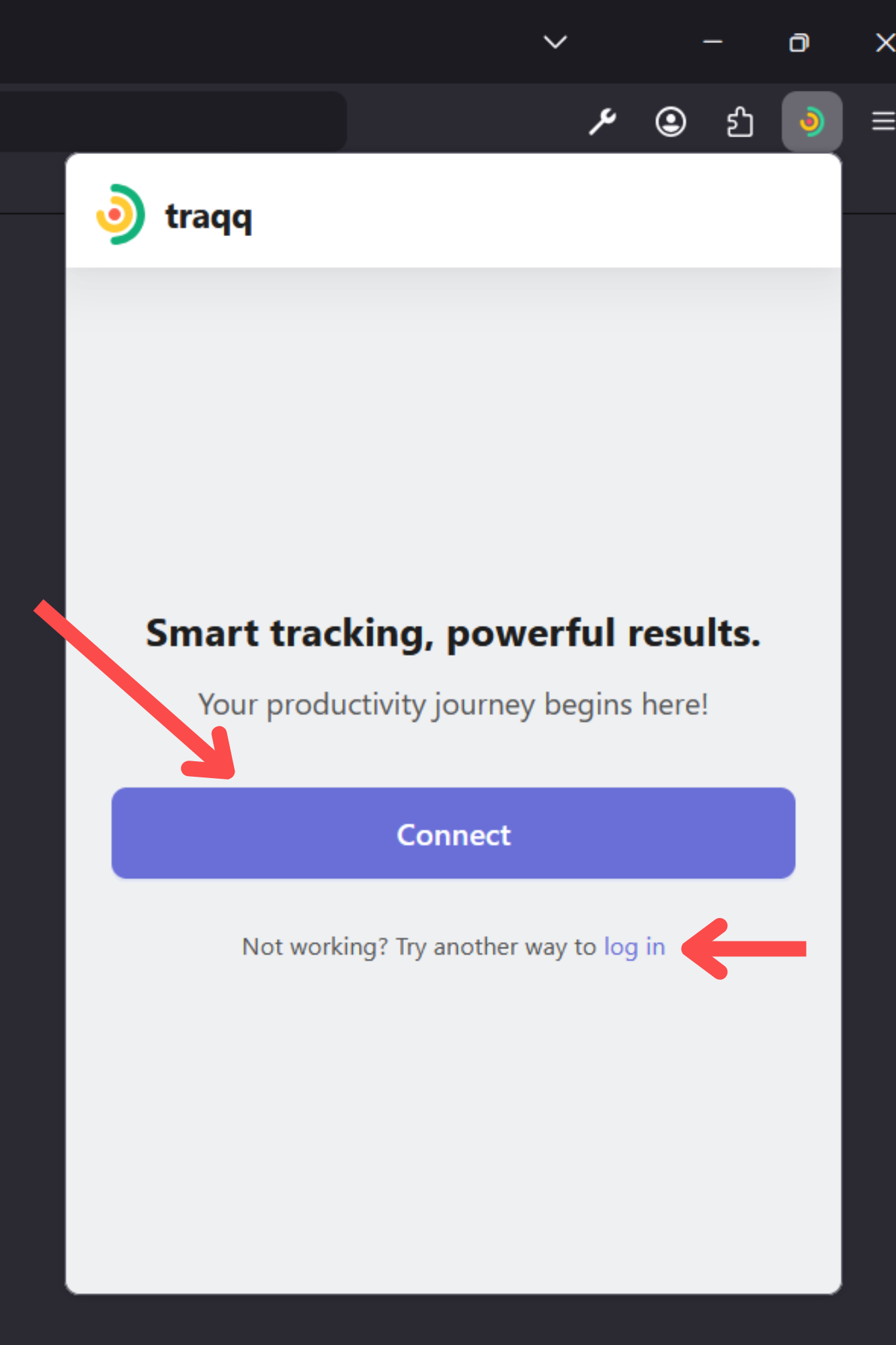
If you are already logged in to the Traqq web app, click Connect to log in automatically.
You can also click Log in and sign in using your email address and password.
Manage extension settings
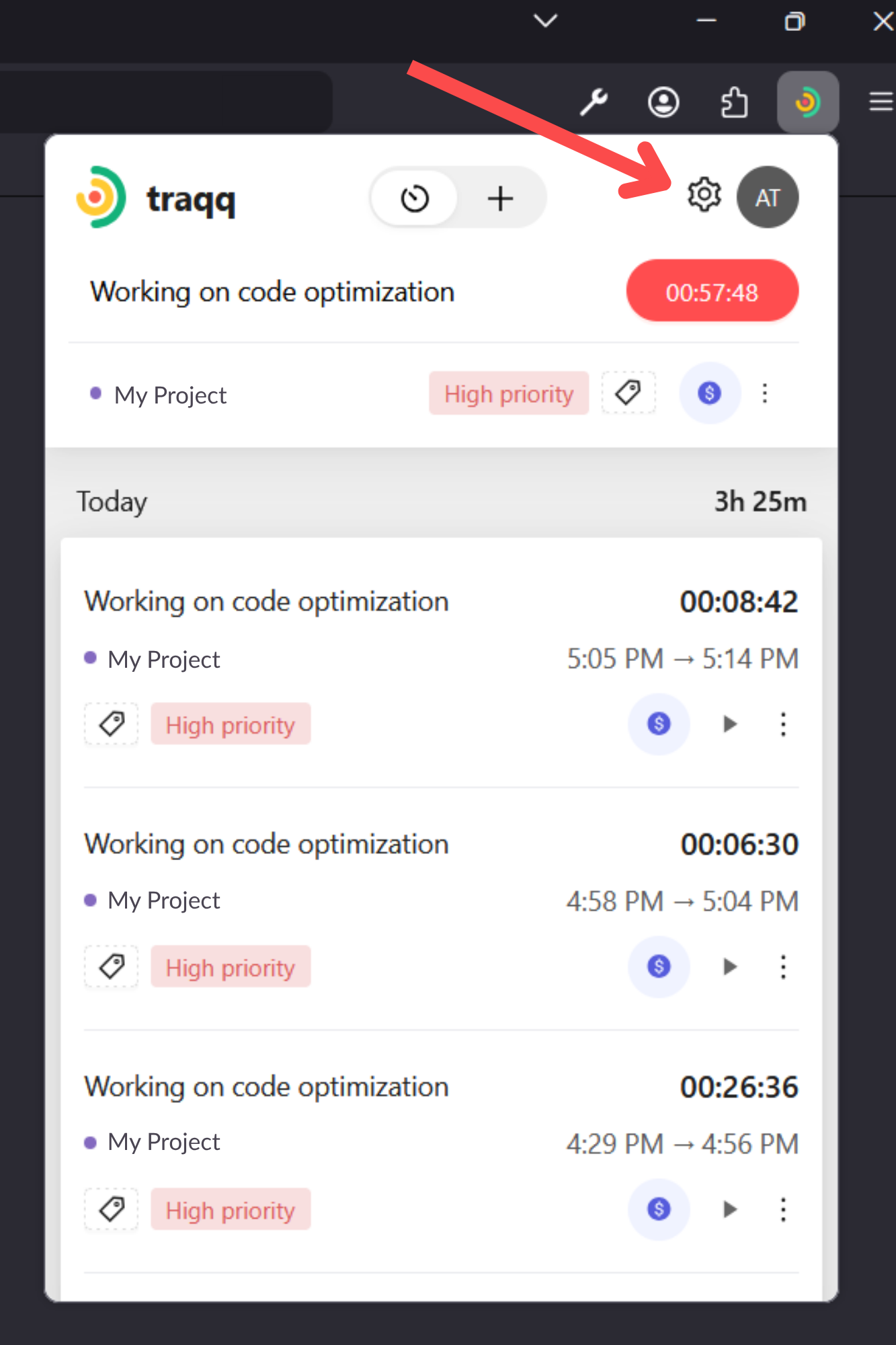
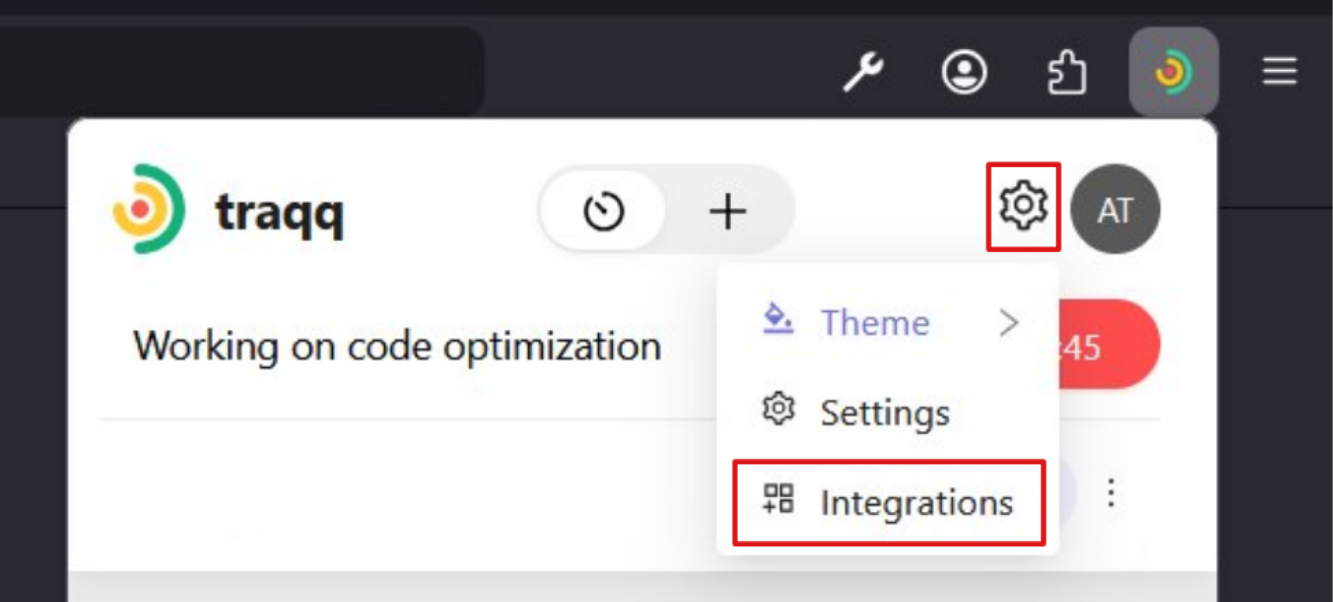
Click on the Settings icon in the extension to manage themes, settings, and integrations.
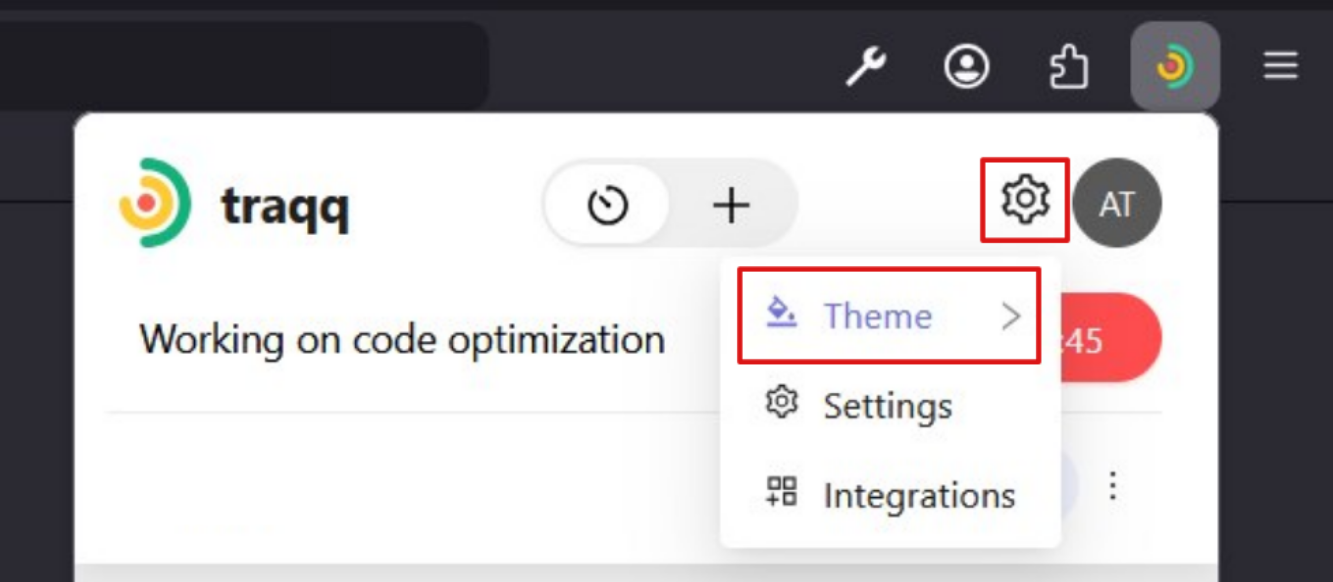
Theme
You can choose between Light theme and Dark theme.
-
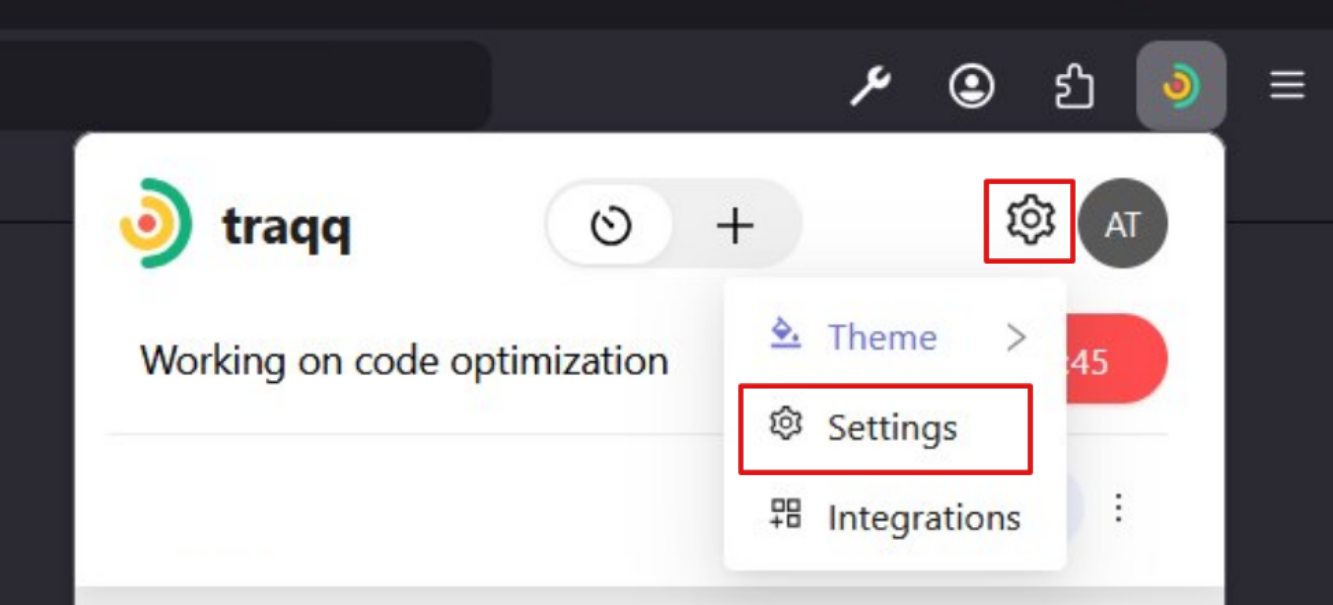
Settings
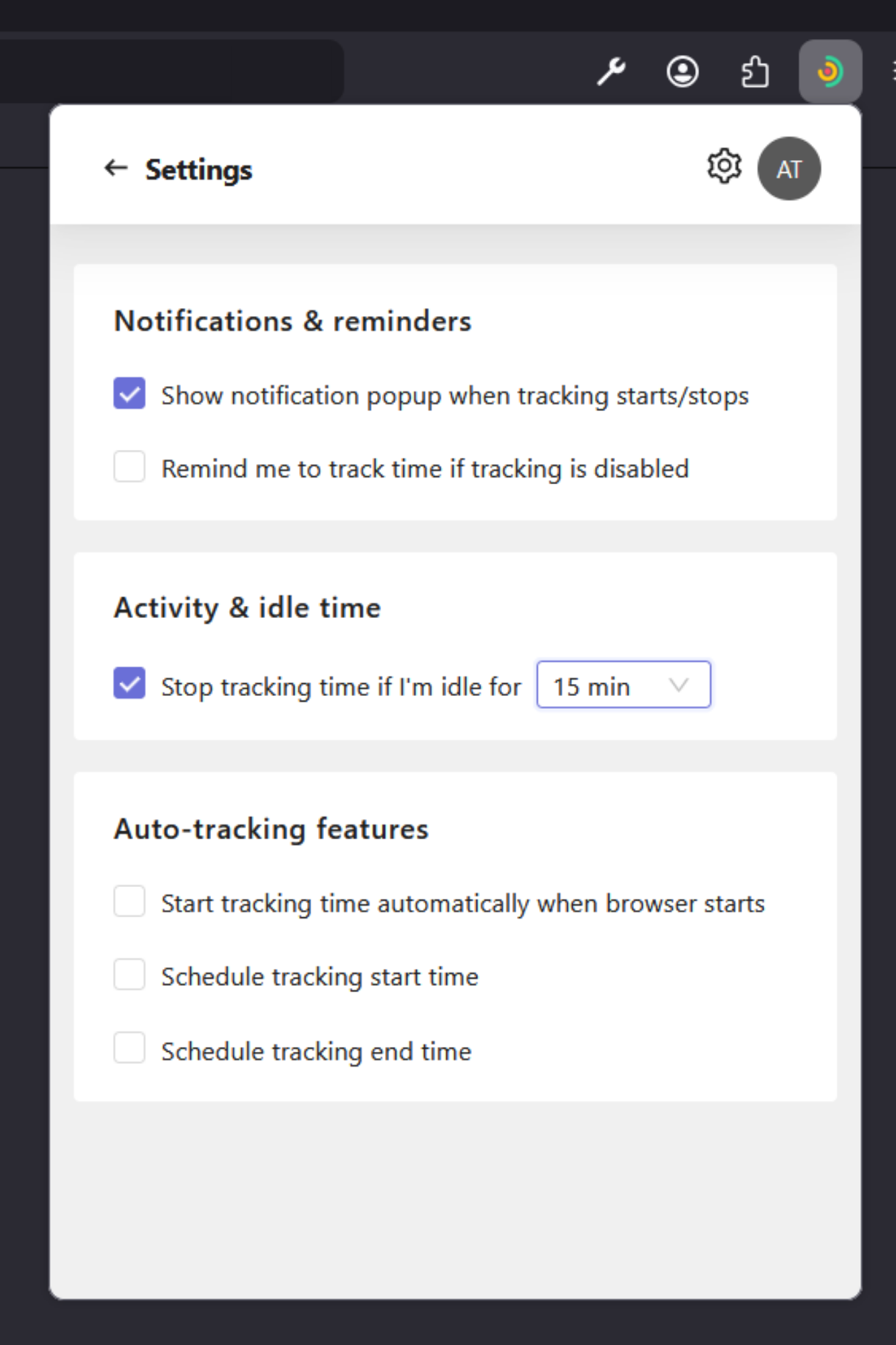
- In the Settings section, you can configure notifications, idle time behavior, and automatic time tracking features.
Notifications & reminders
These settings help you stay informed about tracking activity and remind you when time tracking is disabled:
- Show notification popup when tracking starts or stops
- Remind me to track time if tracking is disabled
Activity & idle time
If “Stop tracking time if I'm idle” is enabled, you can set the idle time period (for example, 15 minutes) after which tracking stops automatically.
Auto-tracking features
These settings allow you to automate when time tracking starts and stops in the browser extension:
- Start tracking time automatically when the browser starts
- Schedule tracking start time
- Schedule tracking end time
-
Integrations
- Open the Integrations section in the extension settings to enable or disable supported integrations.
- You can:
- Enable all integrations at once
- Enable or disable individual tools separately - The integration status is shown by color:
- Blue — integration is enabled
Gray — integration is disabled 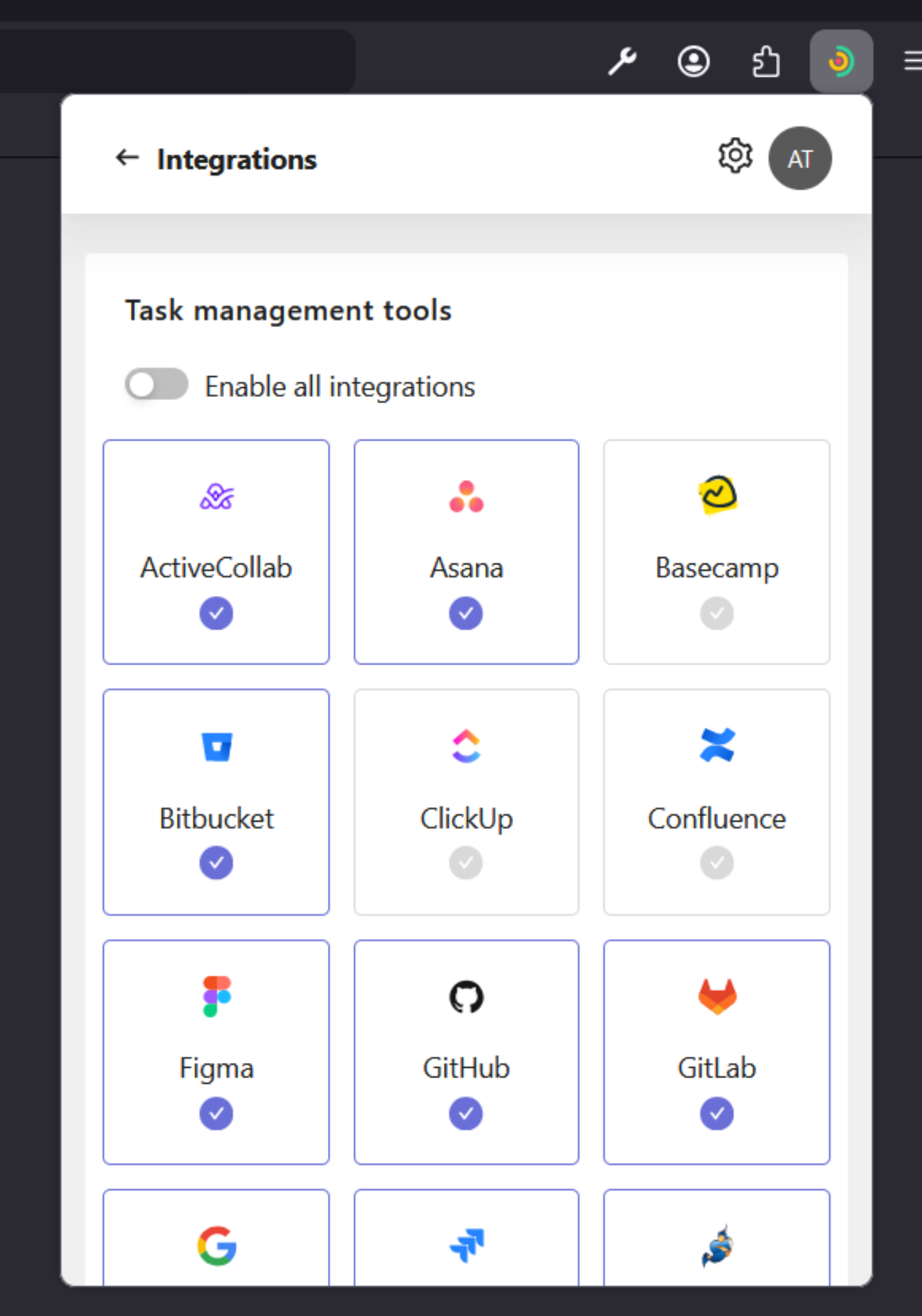
-
Access account options
- Click on your profile picture in the extension to access additional options.
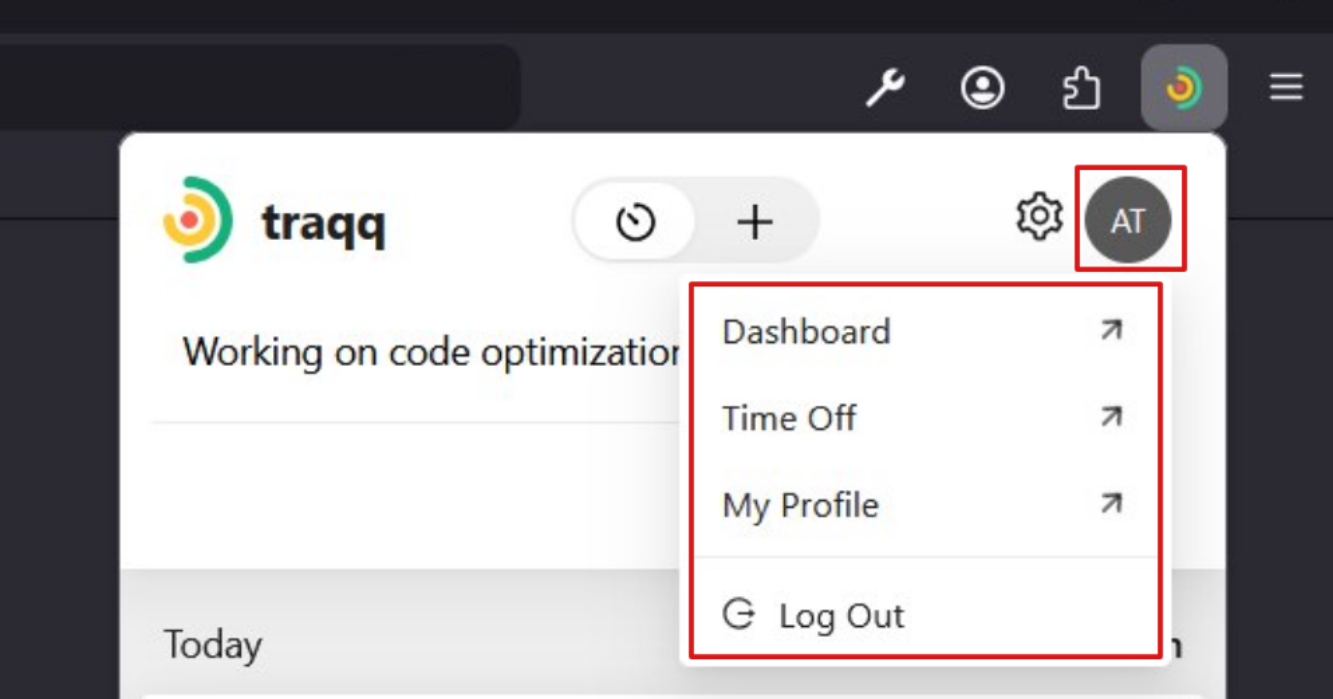
- From this menu, you can log out of the extension and access Dashboard, Time Off, or My Profile, which will open the corresponding section in the Traqq web app.