Creating and editing teams
Owners and Admins can create teams, add users to them, and assign a manager to each team.
Create a team
Open the Teams section from the left sidebar and click Add team in the top-right corner.
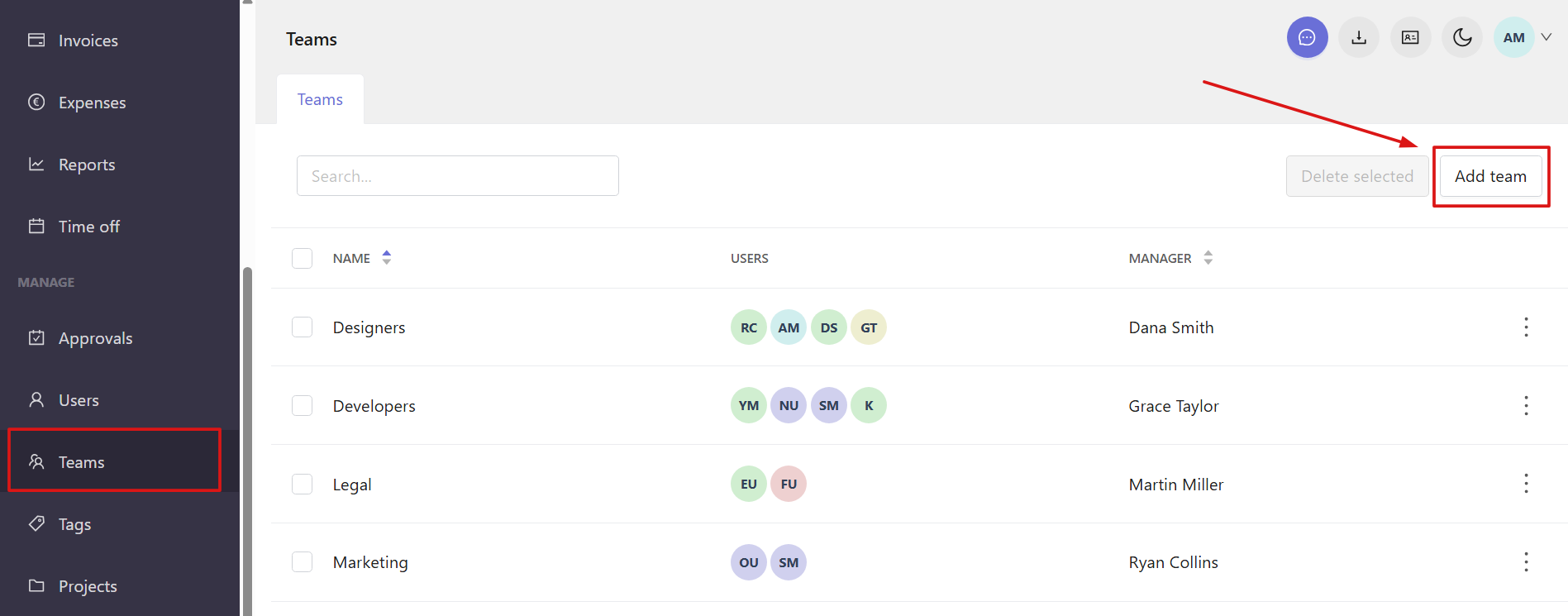
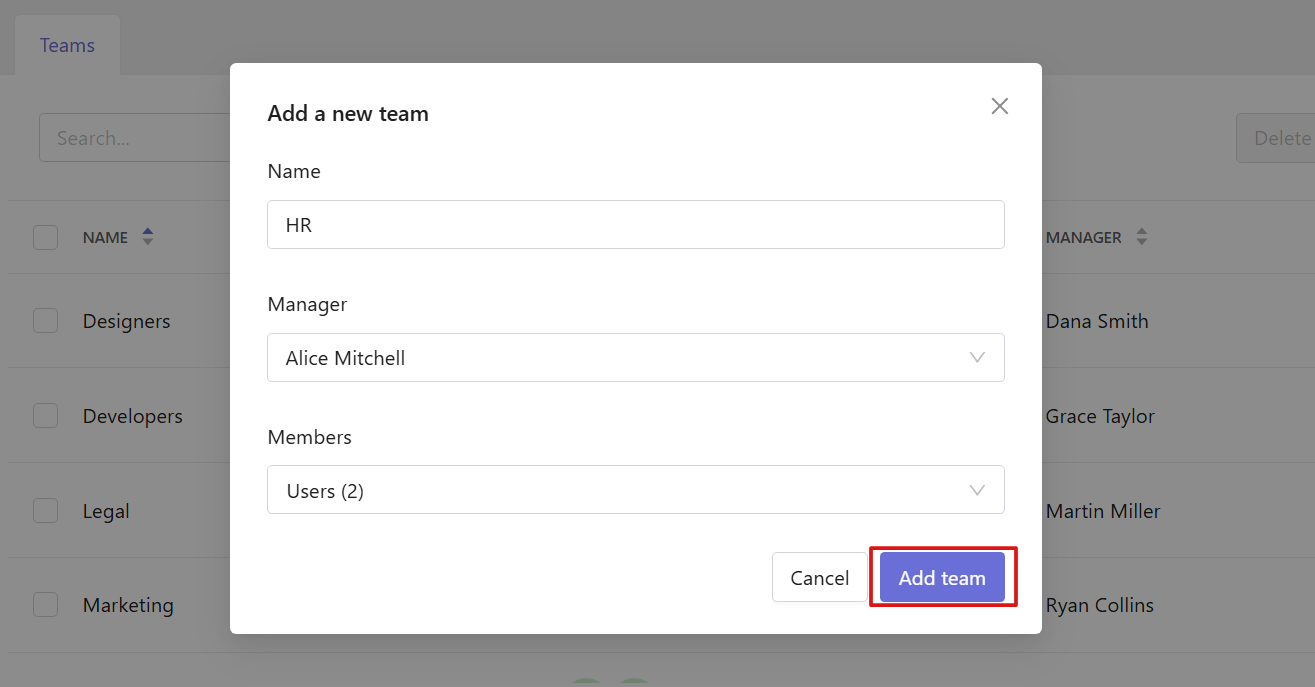
In the window that opens, you’ll need to:
- Enter the team name
- Choose users to include in the team
- Select a team manager
Once done, click Add team. The new team will appear in the list.
Edit a team
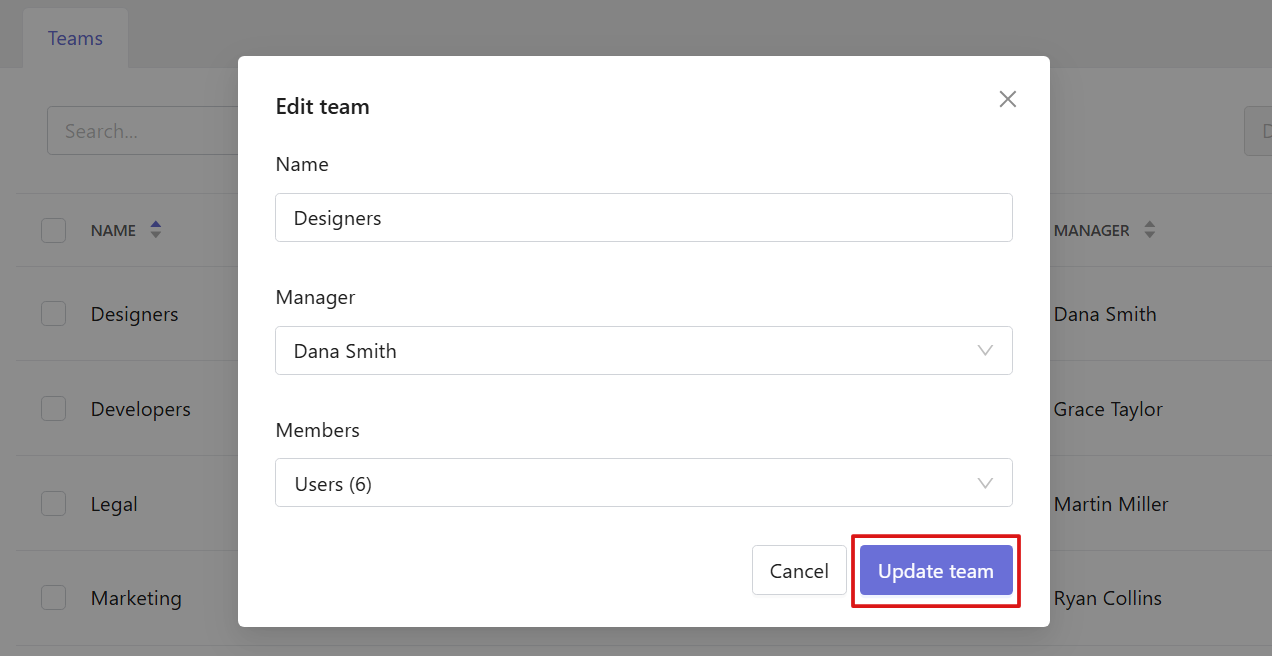
You can update the team name, change assigned users, or select a different manager for an existing team. To do this, click the three-dot menu at the end of the team row and select Edit.

To save changes, click Update team.
Delete teams
To delete a team, open the three-dot menu next to it and select Delete.

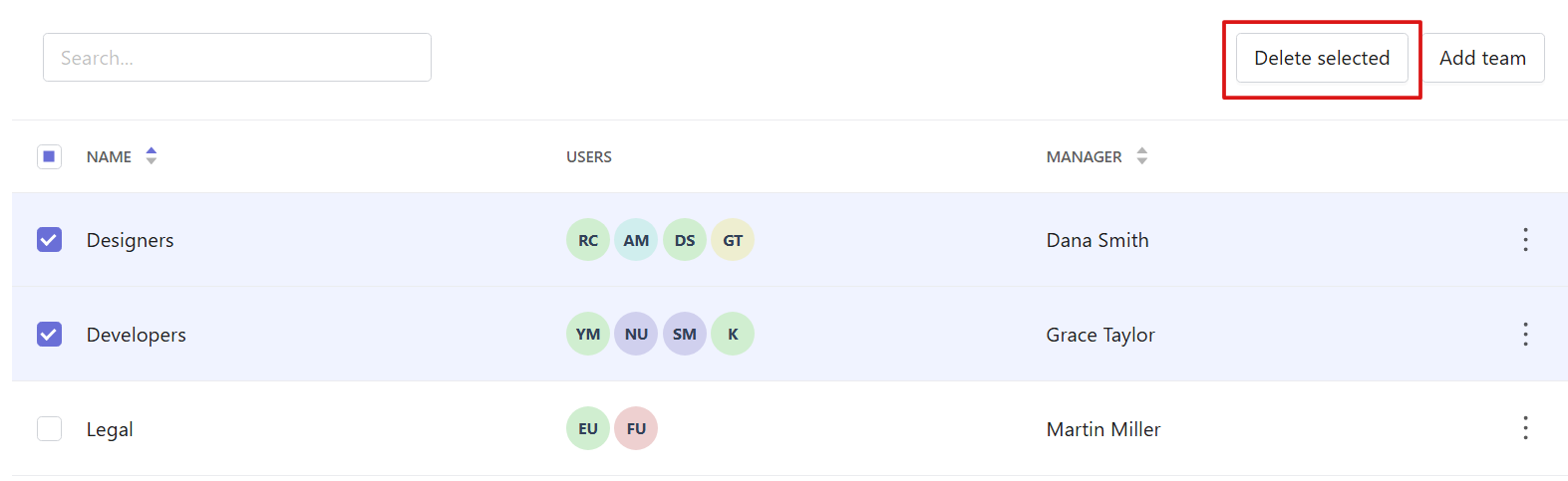
You can also delete teams in bulk. Select the teams you want to delete using the checkboxes and click Delete selected at the top of the page.