Tracking time with Traqq desktop apps
Customize the tracking window
The desktop app window can be resized by dragging its edges or corners.
You can also click the Show task list button to show or hide the Time log.
 Track time with desktop apps
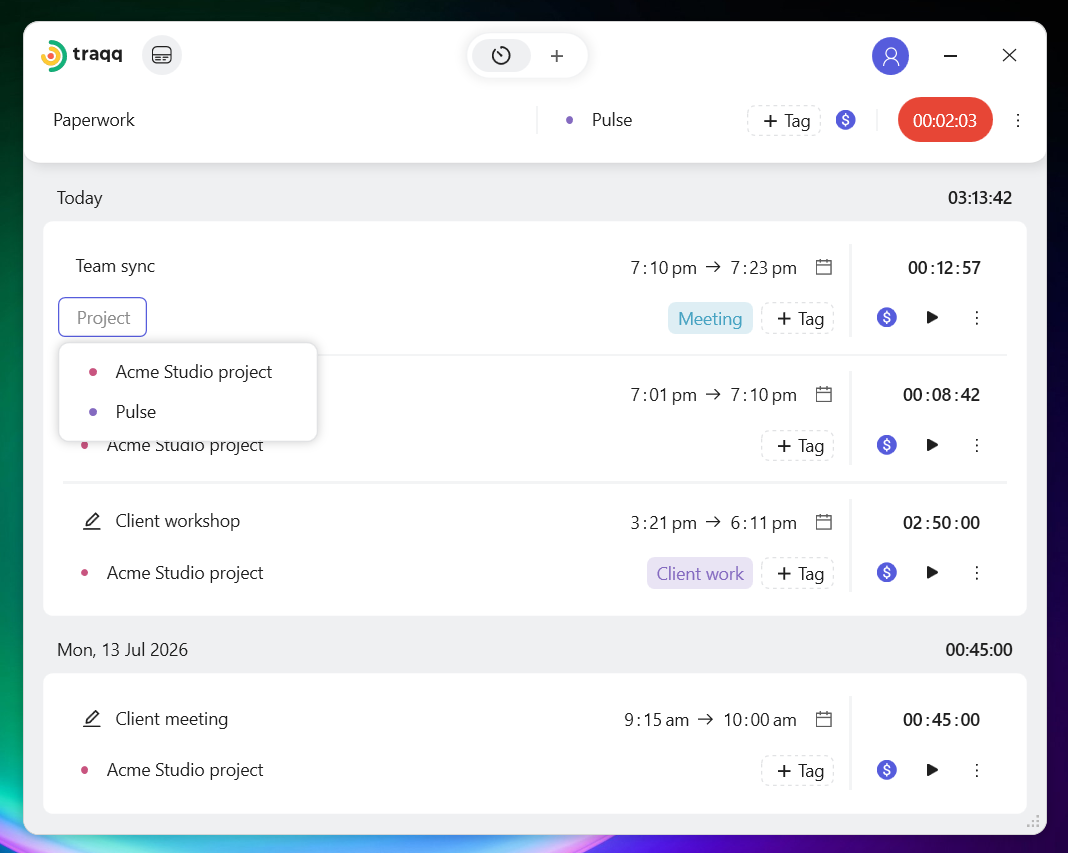
The desktop apps support the same tracking features as the web app. You can:
- - Switch between Timer and Manual modes using the toggle at the top.
 - Start the timer using the Play button.
 - Add a task name, select a project, add tags, and set the billable status.
 - Track break time by clicking the cup button.
 - View and edit time entries.
 For more information about tracking modes and managing time entries, see Tracking time in Traqq.