Tracking with the Traqq browser extension
The Traqq browser extension lets you track time directly from your browser and syncs your time tracking data with the Traqq web and desktop apps.
Install the browser extension
To install the Traqq browser extension:
Open the Traqq web app.
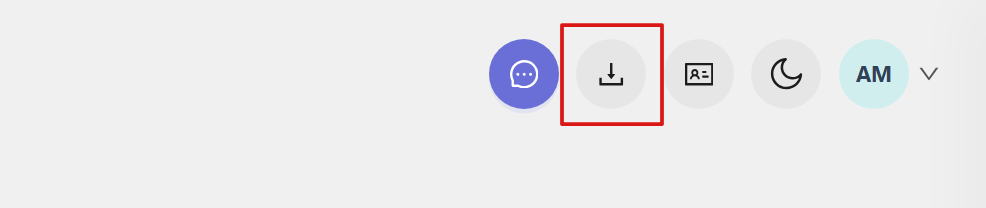
Click the Download apps icon in the top-right corner.
Select your browser:
- Download for Chrome
- Download for Firefox
- Download for Edge
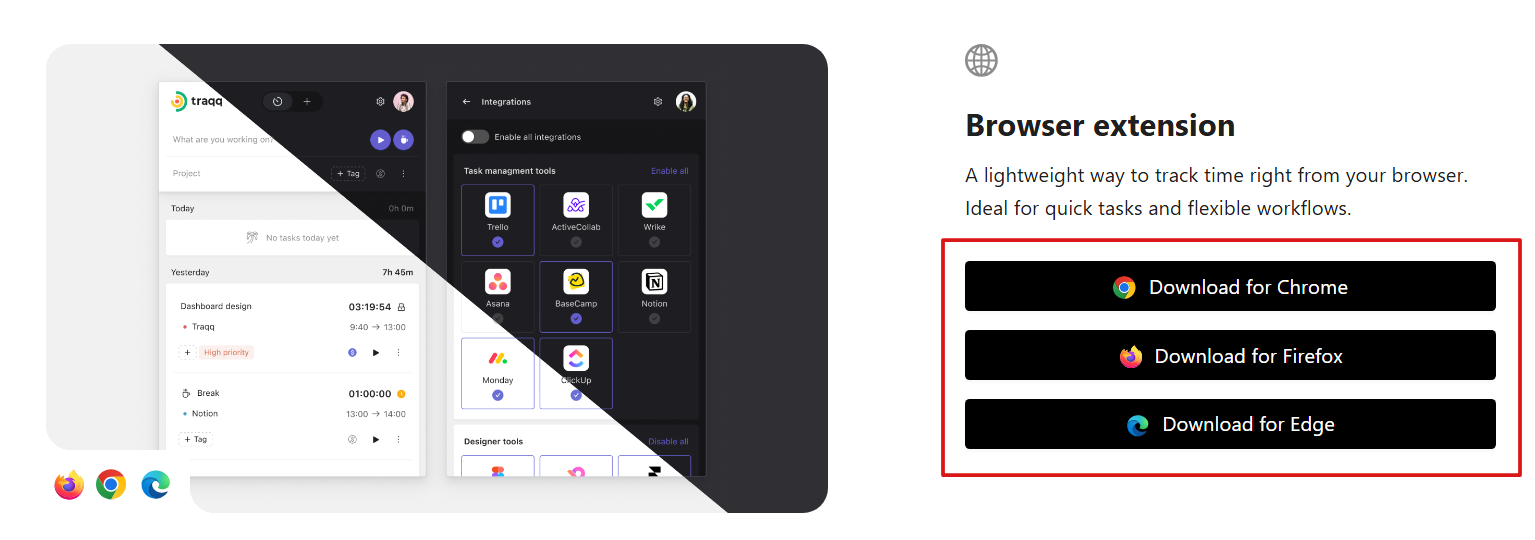
You will be redirected to the corresponding browser store, where you can install the extension.
After installation, open the extension and connect it to your Traqq account.
Log in to the extension
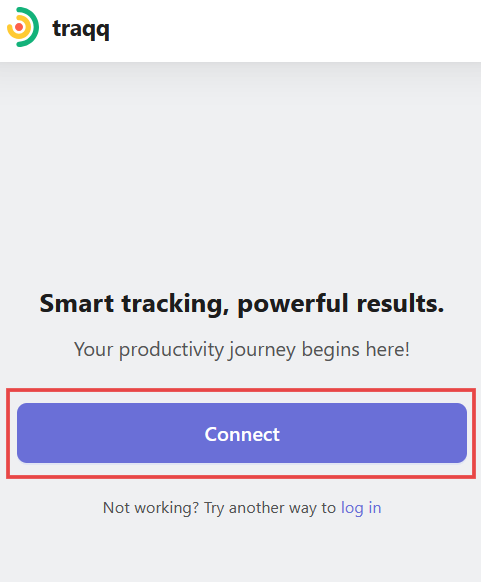
If you are already logged in to the Traqq web app, click Connect to sign in automatically.
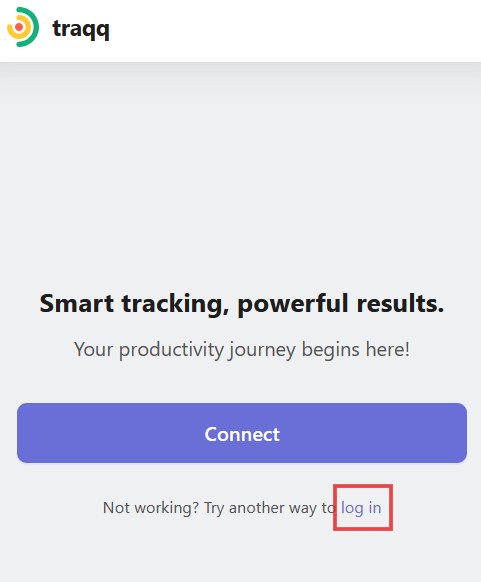
You can also click Log in and enter your email address and password.
Track time with the browser extension
The browser extension supports the same tracking features as the web app. You can:
- - Switch between Timer and Manual modes using the toggle at the top.
- Start and stop the timer.
- Track break time by clicking the cup button.
- Add a task name, select a project, add tags, and set the billable status.
- View and manage time entries. - For more information about tracking modes and managing time entries, see Tracking time in Traqq.
Browser integrations
The Traqq browser extension can integrate with supported tools such as Trello, Figma, Jira, Slack, and Asana.
To manage integrations and extension settings, open the Settings section in the extension.
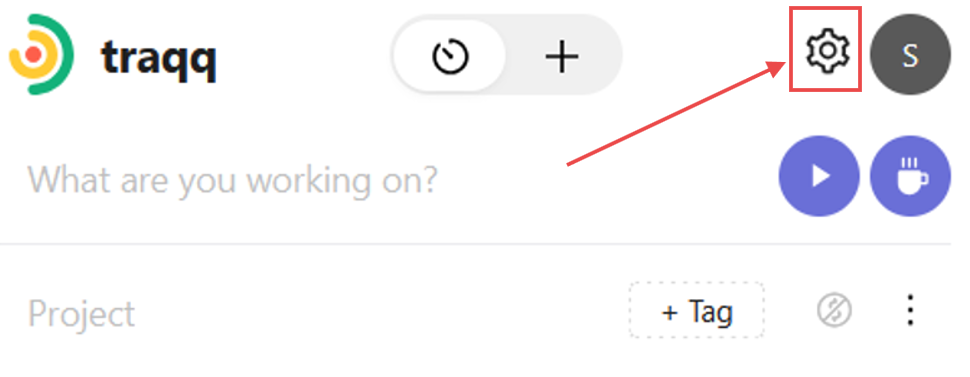
For more information about themes, notifications, automatic tracking, and integrations, see Setting up your extension and integrations.