Invoices
Traqq subscription payments are processed securely by Paddle. You can view your payment history and download invoices from the Paddle Customer Portal.
To access your invoices:
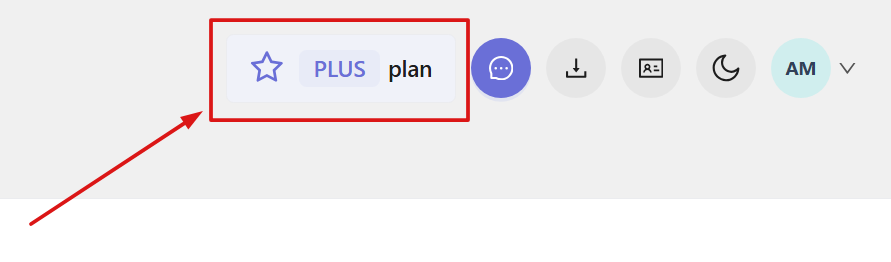
1) Click the plan name in the top-right corner of the web app to open the Subscription section.
2) Click Update payment method.
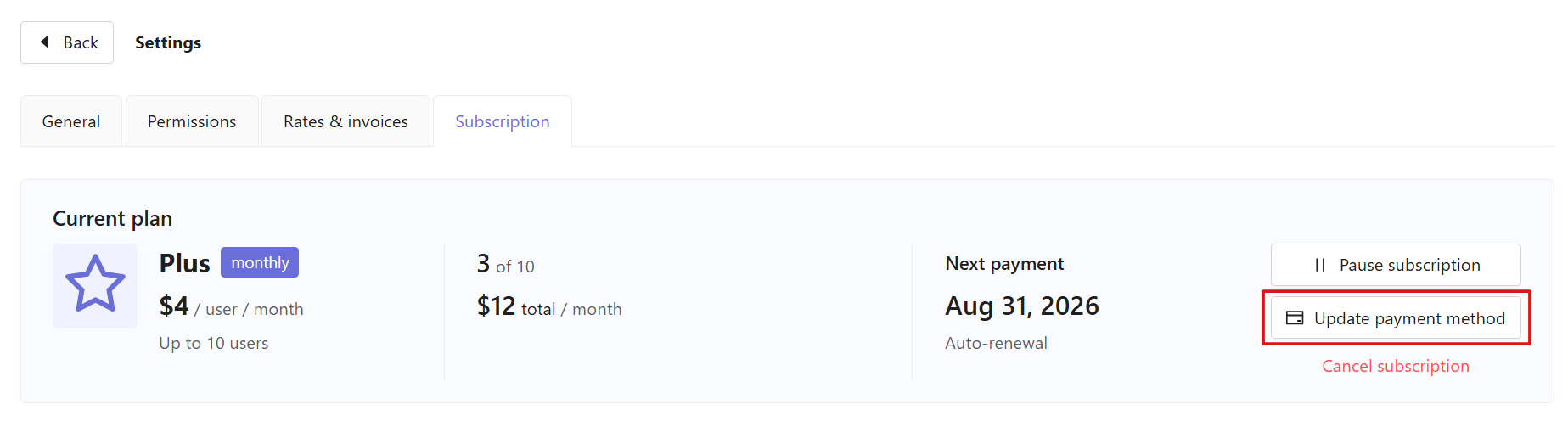
You will be redirected to the Paddle Customer Portal.
3) Open the Payments section.
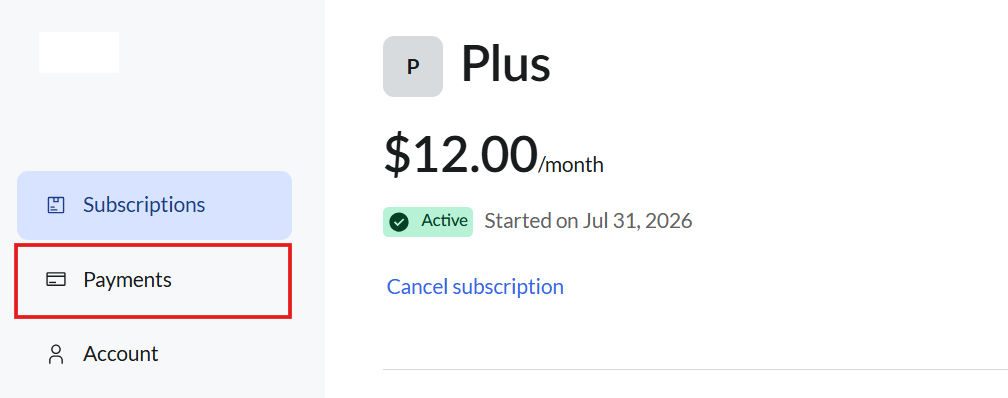
4) Select the required transaction.

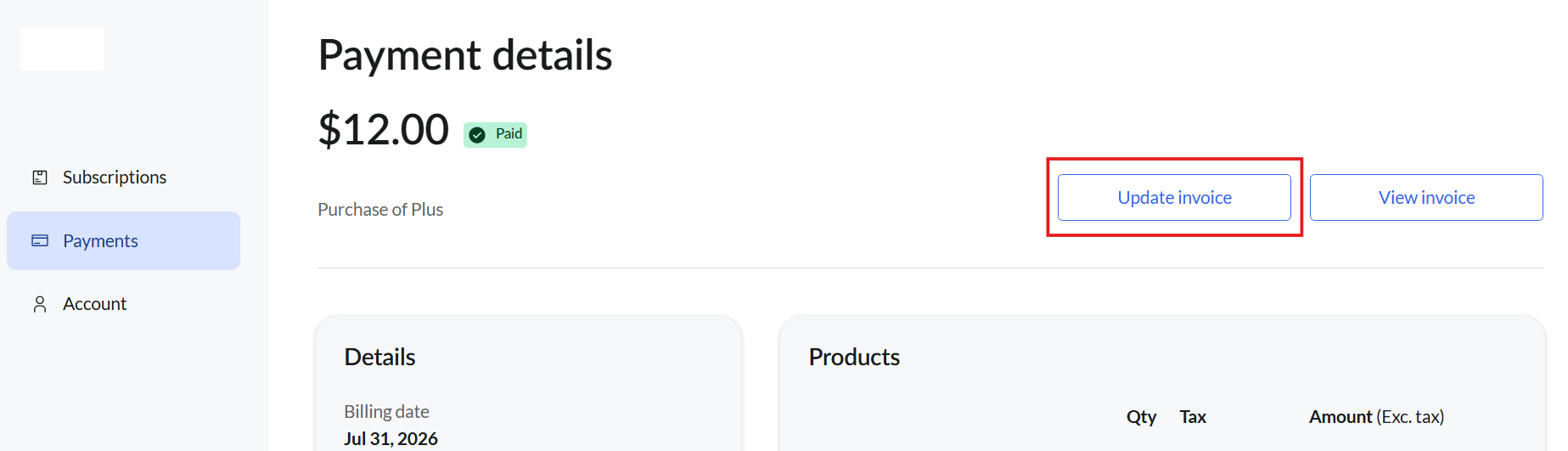
5) Click View invoice to review or download it.
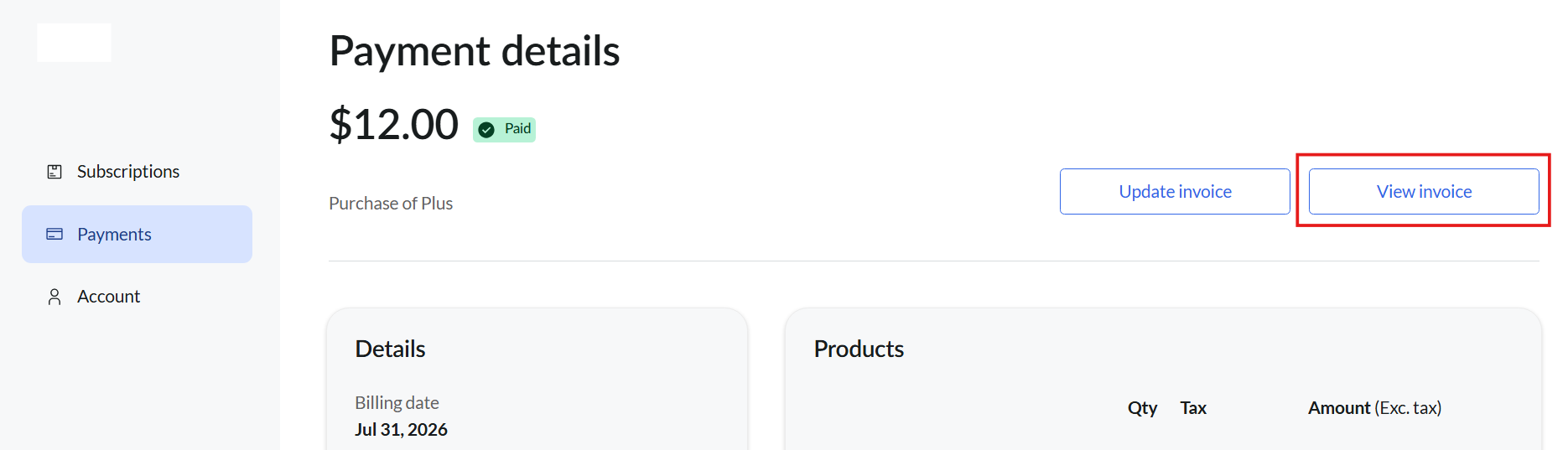
If you need to update your invoice details, click Update invoice and edit the required information.