Track time directly from Todoist
Start timers from Todoist tasks, automatically add task details to your time entries, and keep your tracked time organized in Traqq.
Install the extension and start tracking
Traqq connects with Todoist through the browser extension. Once installed, you can start timers directly from Todoist tasks, with task details automatically added to your time entries.
Set up the Traqq browser extension
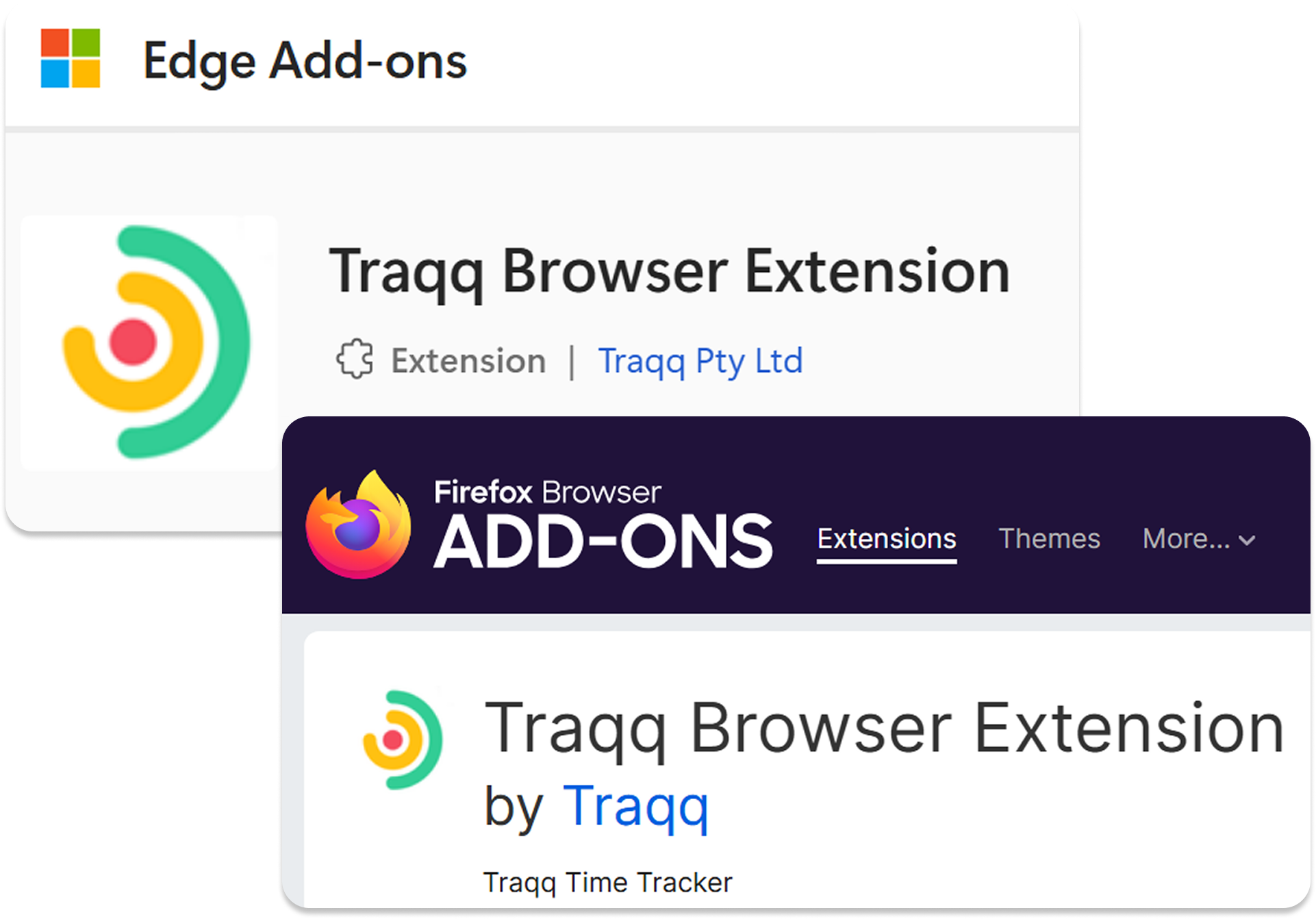
Install the Traqq browser extension
Download and install the Traqq extension for your browser: Chrome, Firefox, or Edge.
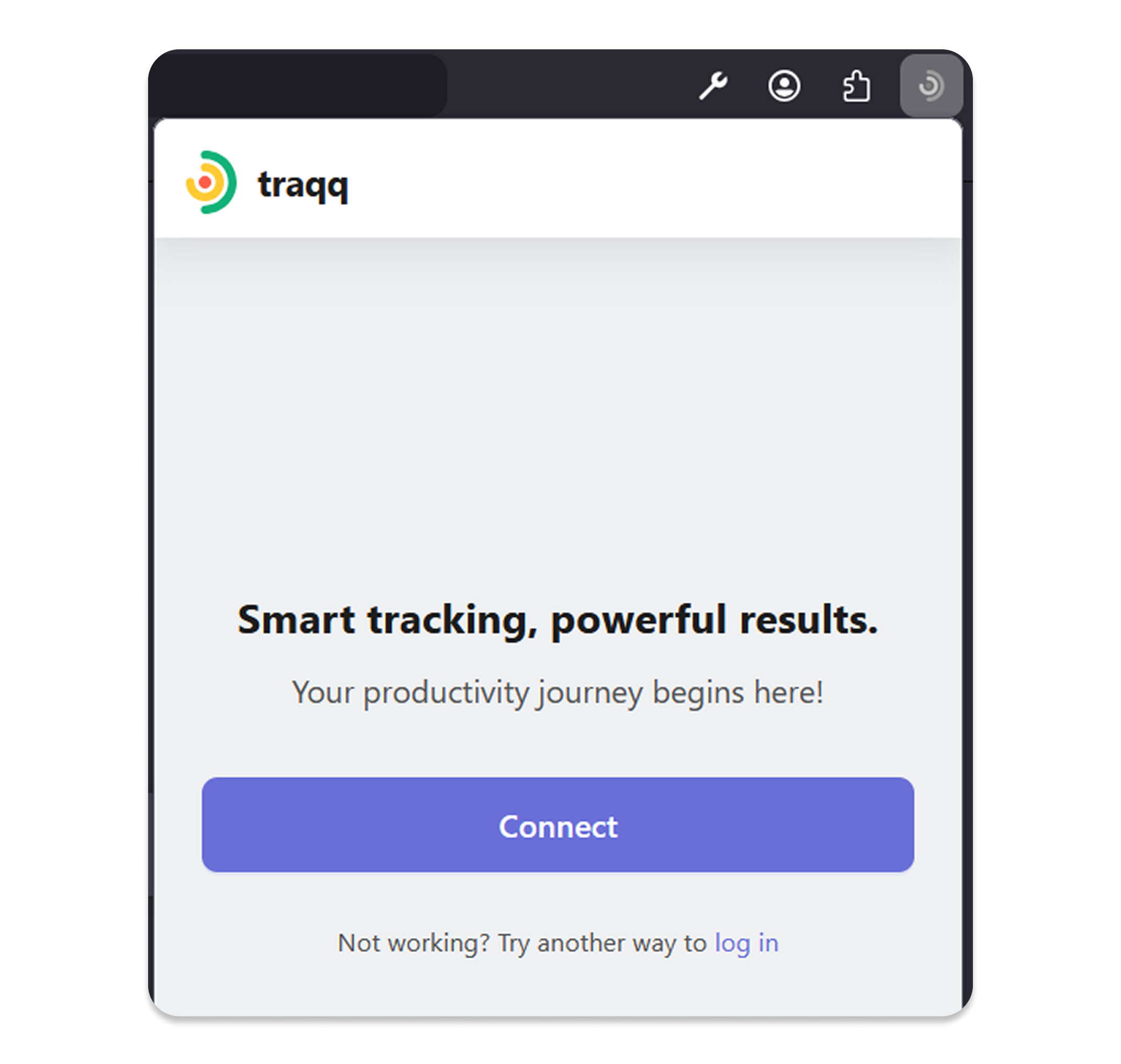
Sign in to your Traqq account
Open the extension and sign in with your Traqq account.
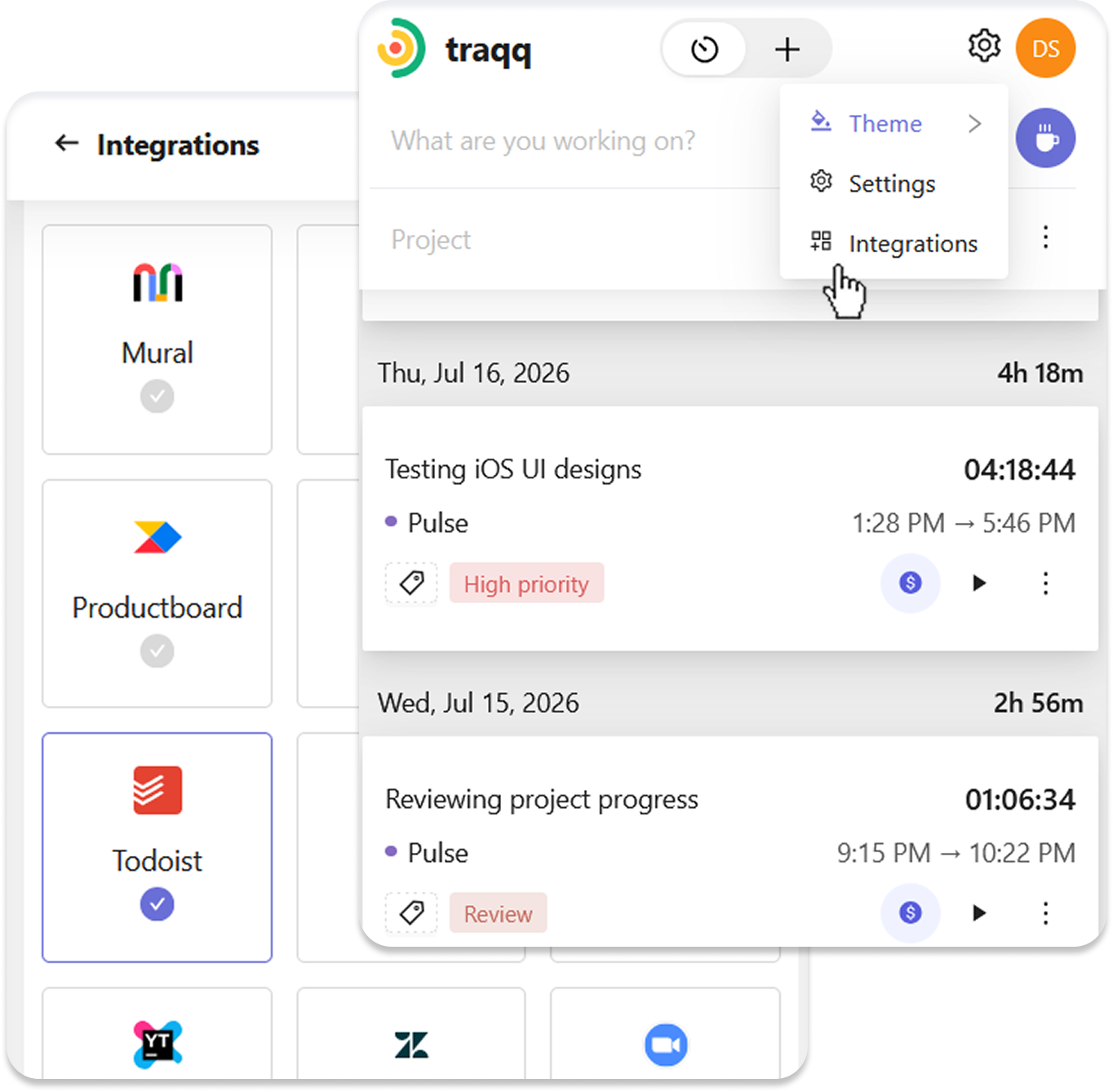
Enable the Todoist integration
Open the extension settings, choose Integrations, and enable the Todoist integration.
Track time from Todoist
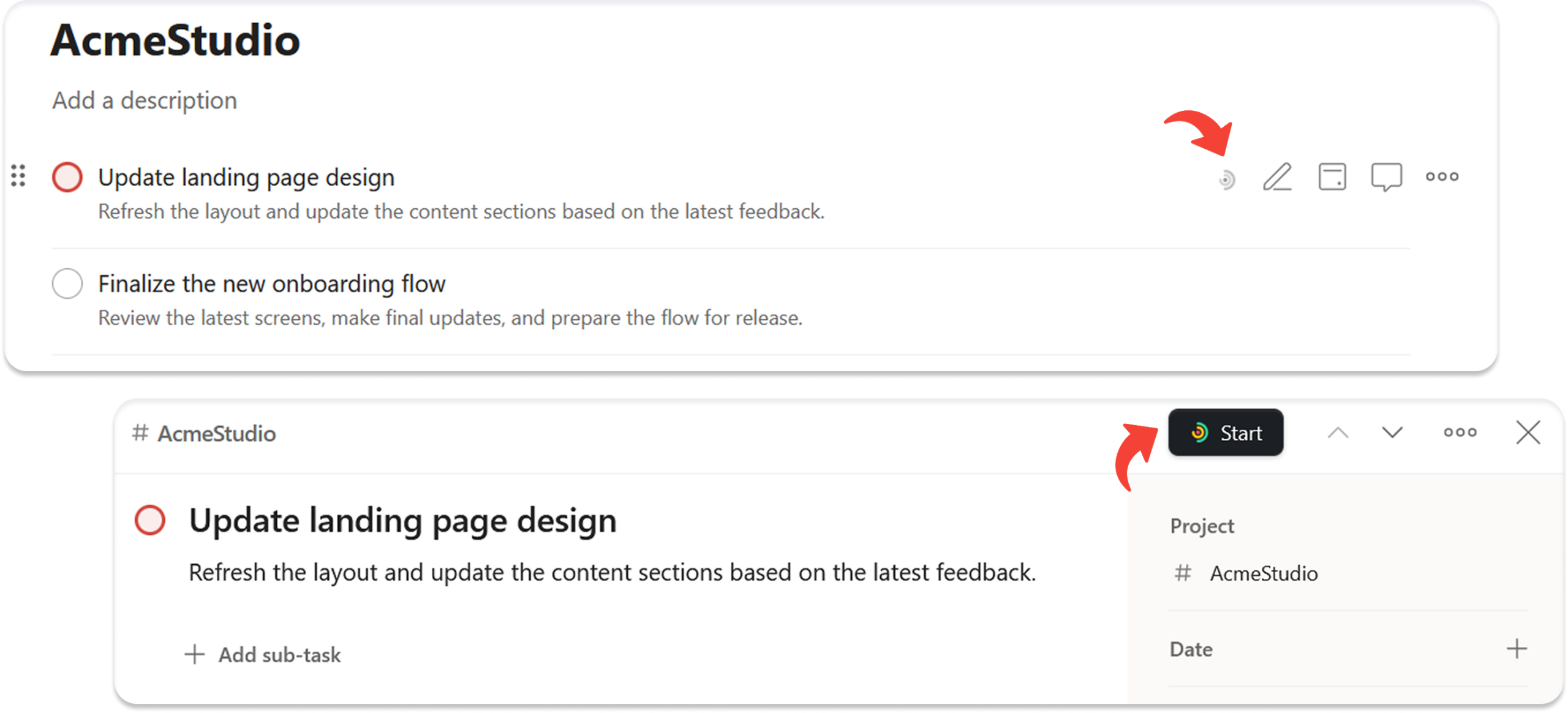
Traqq adds time tracking controls directly to Todoist tasks.
Find the Traqq icon when hovering over a task in the task list or click the Start button in the task details view.
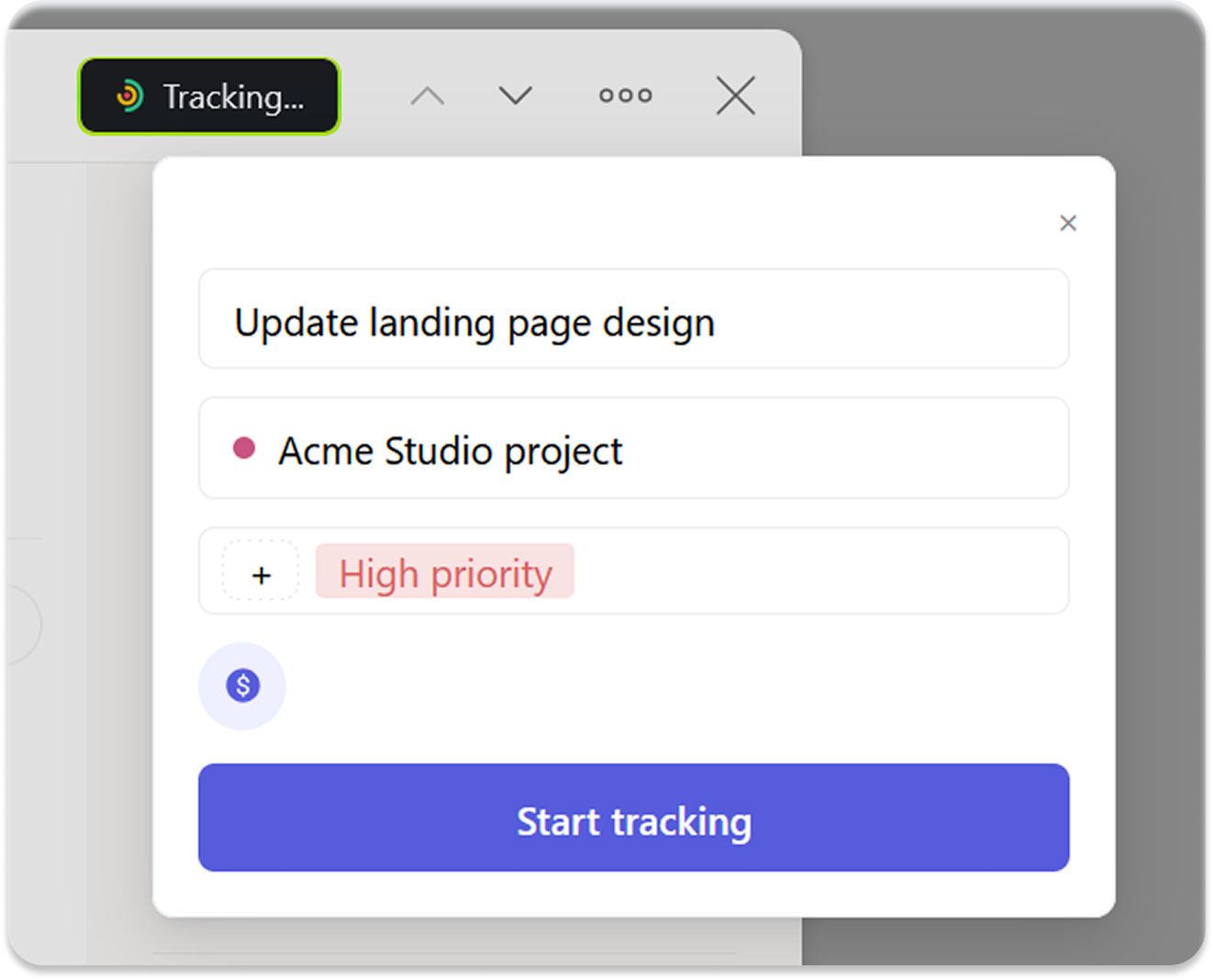
Click the Traqq icon to open the tracking window, where you can:
- Select a Traqq project
- Add tags
- Mark the time entry as billable or non-billable
Traqq automatically uses the Todoist task title as the task name in your time entry.
Click Start tracking to begin.
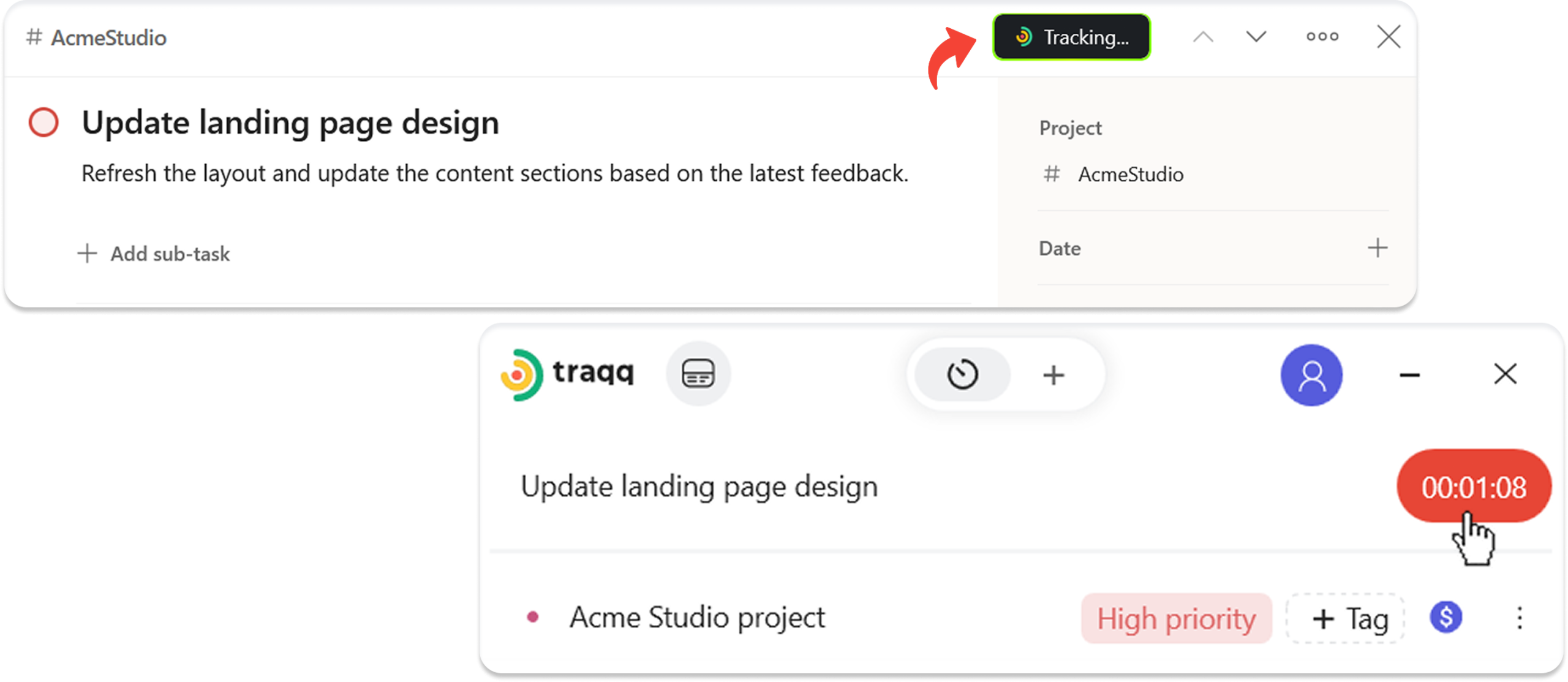
Once tracking starts, your timer stays synced across:
- Browser extension
- Traqq web app
- Traqq desktop app
Stop tracking from Todoist or any Traqq app.
FAQ
Do I need a Traqq account to use the Todoist integration?
Yes. You need a Traqq account and the Traqq browser extension. Sign in to the extension, enable the Todoist integration, and start tracking time.
How does Traqq connect with Todoist?
Traqq works through the browser extension, which adds time tracking controls to Todoist tasks. When you start tracking, Traqq uses the task title as the task name in your time entry.
Traqq’s Todoist integration is not created by, affiliated with, or supported by Todoist.
Does Traqq modify my Todoist tasks?
No. Traqq only uses the task title for the time entry. It doesn’t edit your tasks.
Can I track time without leaving Todoist?
Yes. Once the browser extension is installed, you can open the Traqq tracking window directly from Todoist tasks.