Organize workspace access with clear roles
Built-in roles define who can manage people, projects, reports, approvals, financial data, and workspace settings.
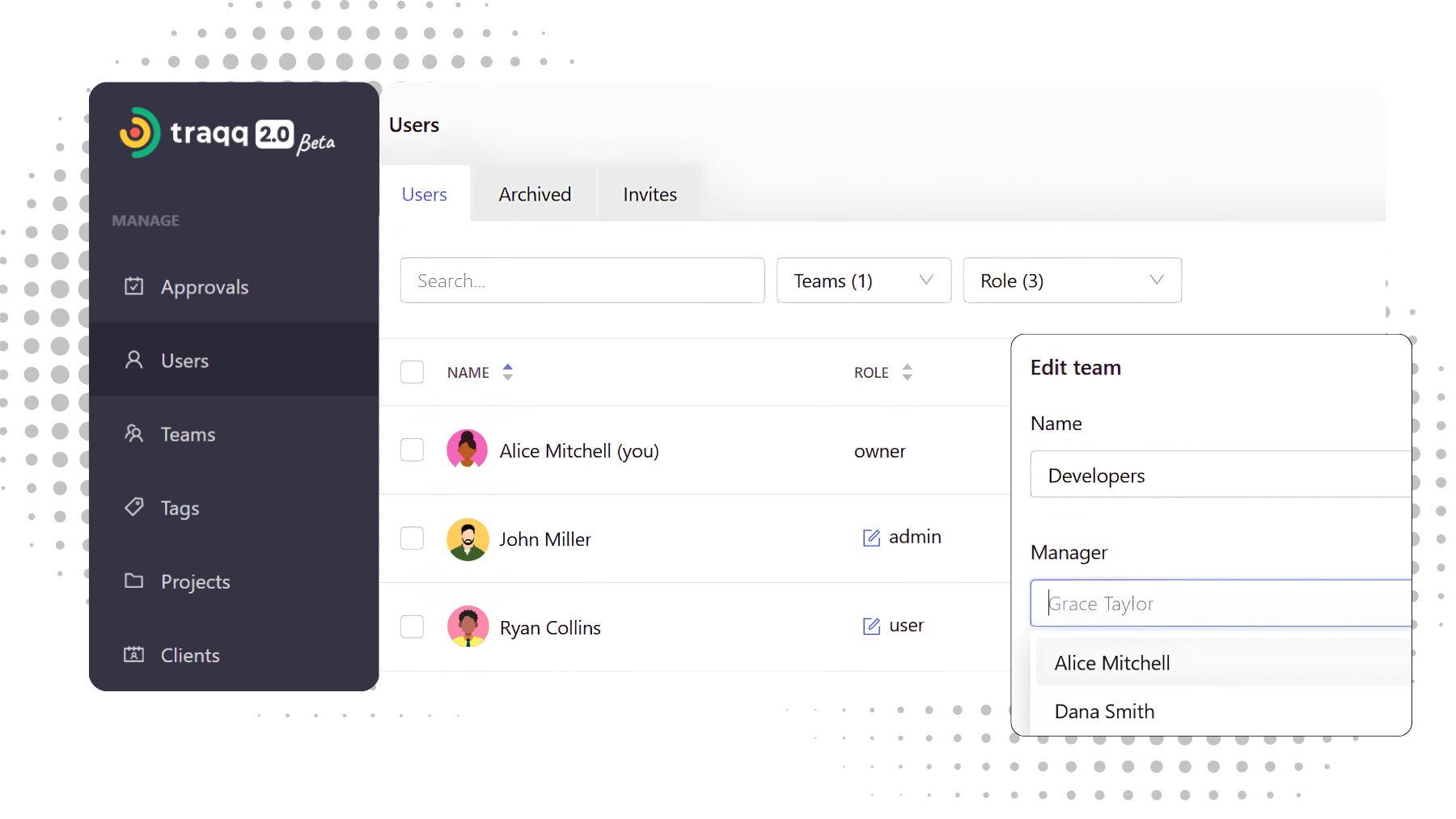
Secure access control for every team size
Built-in roles
Every workspace includes four built-in roles with clearly defined responsibilities.
Owners, Admins, Managers, and Users each have access to the information and actions required for their work, without relying on complex permission settings.
With remote teams, trust is key. Traqq gives me transparency while respecting my employees’ privacy.
Sarah K., HR Manager
Available roles & permission levels

Owner
Full workspace control.
- Manage all users and roles
- Configure workspace settings
- Access all financial information
- Assign Admin roles
- Control approval rules

Admin
Workspace-wide administration.
- Manage users, teams, and projects
- Access reports and financial data
- Configure workspace settings
- Assign Managers
- Approve timesheets and expenses

Manager
Coordinate teams and projects.
- View and manage assigned teams
- Review team reports
- Manage assigned projects
- Approve timesheets and expenses (when enabled)
- Monitor workload and attendance

User
Track and manage personal work.
- Track time
- Submit timesheets
- Log expenses
- View personal reports
- Manage personal time off
Why role-based permissions matter
Data security
Protect financial data including pay rates, revenue, expenses, and invoices from unauthorized access.
Delegated management
Assign managers to teams and projects without giving them full workspace administration.
Clear operational structure
Define who manages teams, projects, approvals, and workspace administration across the organization.
Scalable access
The same role structure works whether you are managing a small team or an enterprise organization.
Setting up roles & permissions
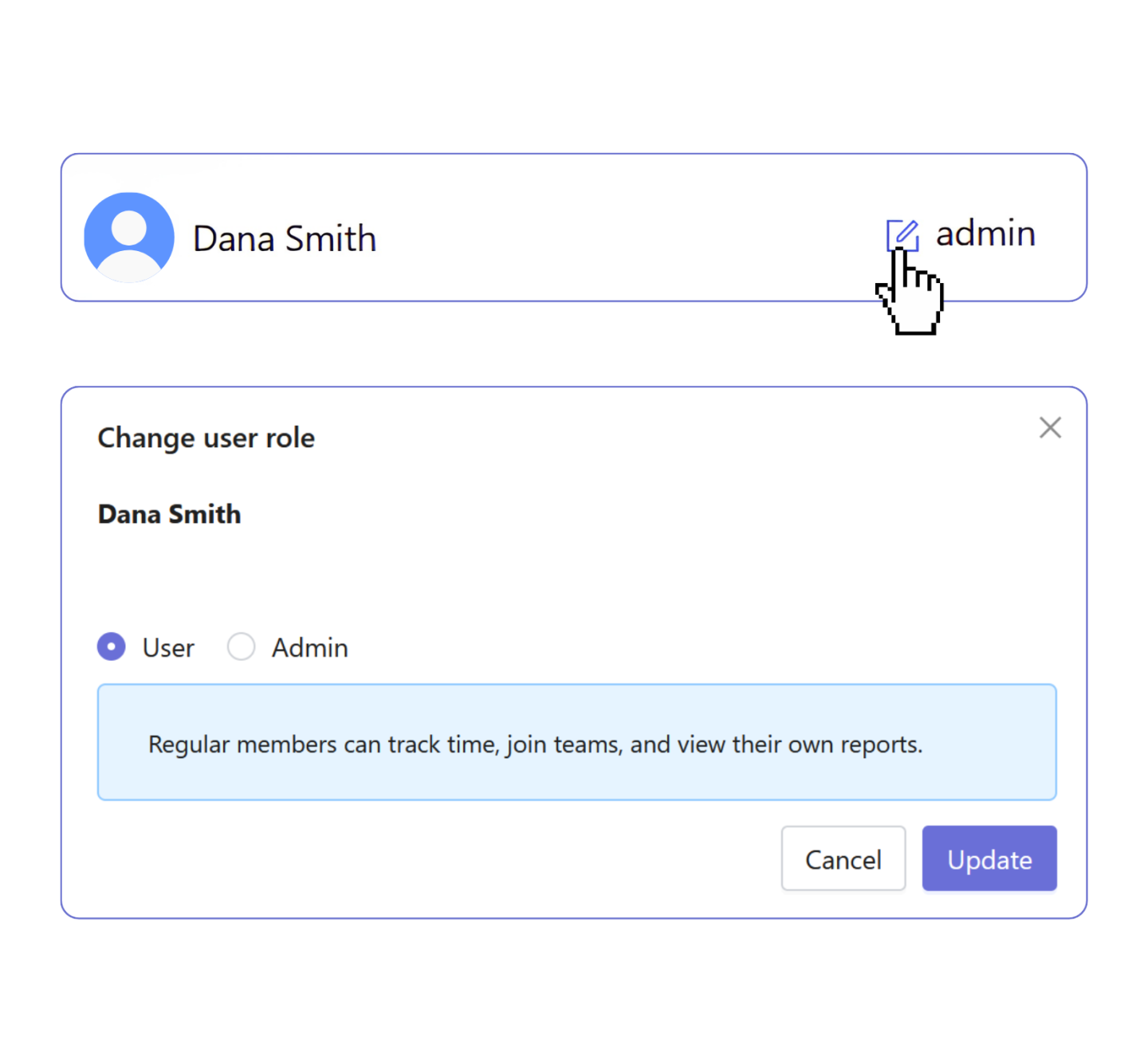
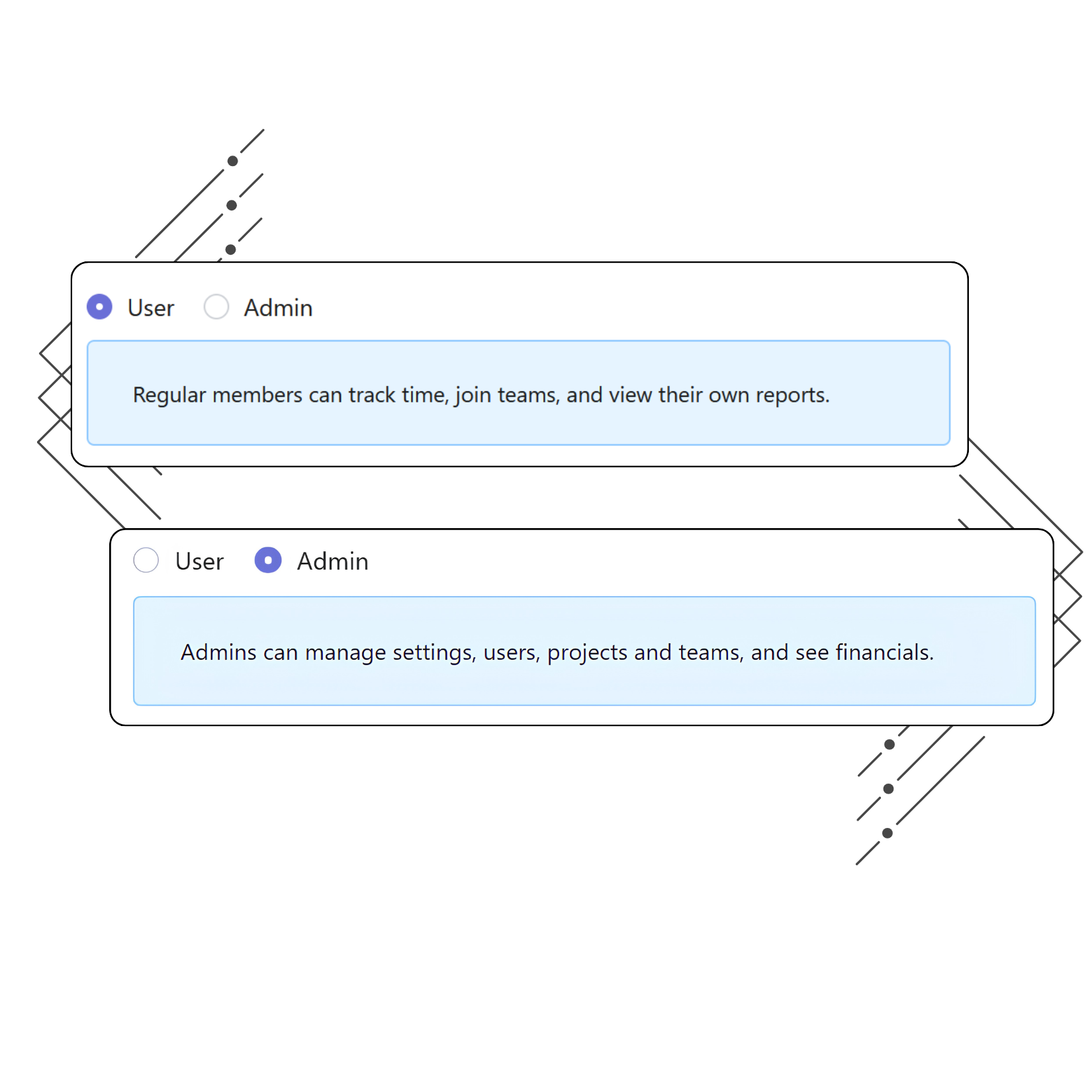
Assign workspace roles
Assign the Admin or User role to each team member.
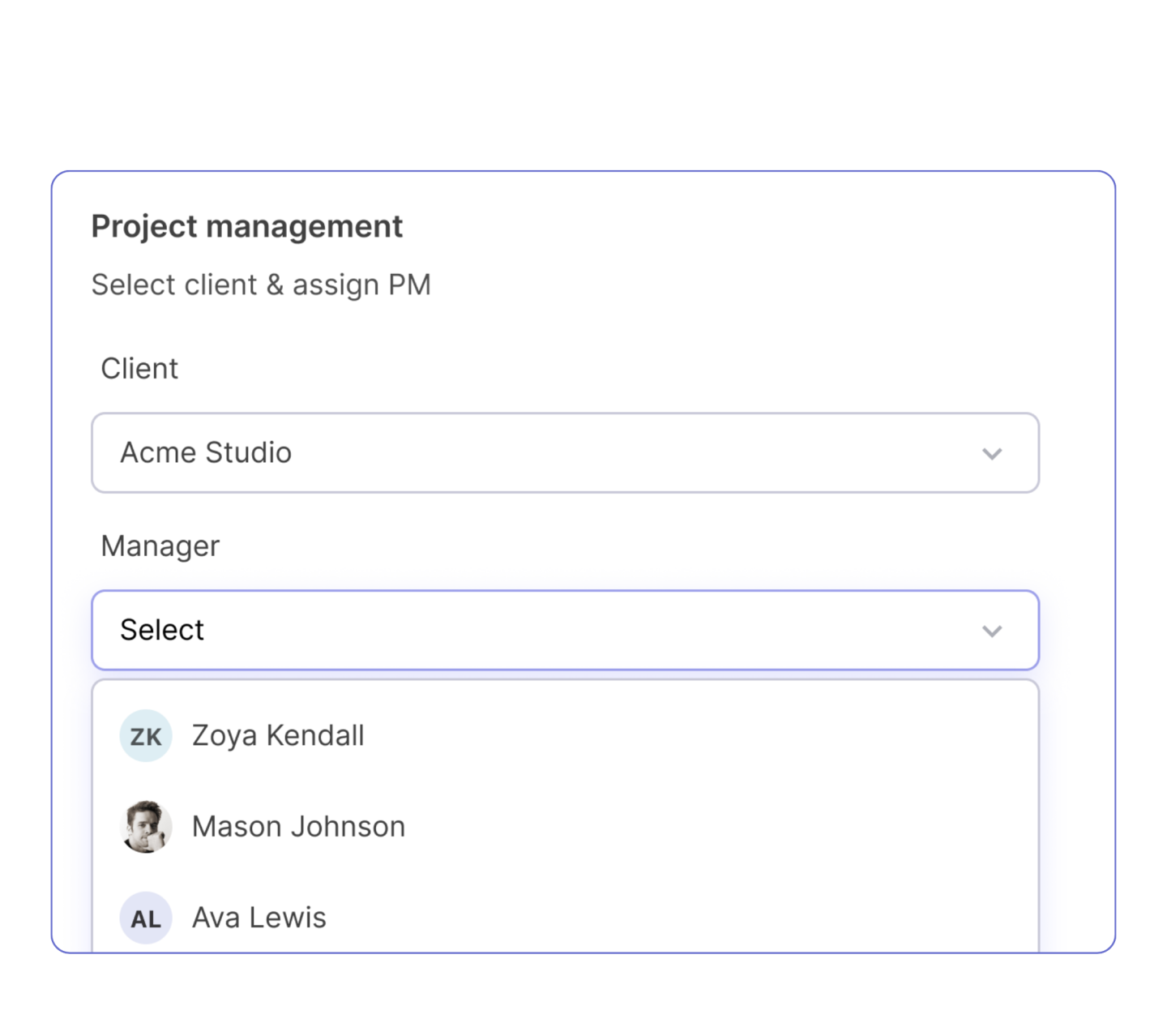
Manage teams and projects
Assign managers to individual teams and projects without changing workspace roles.
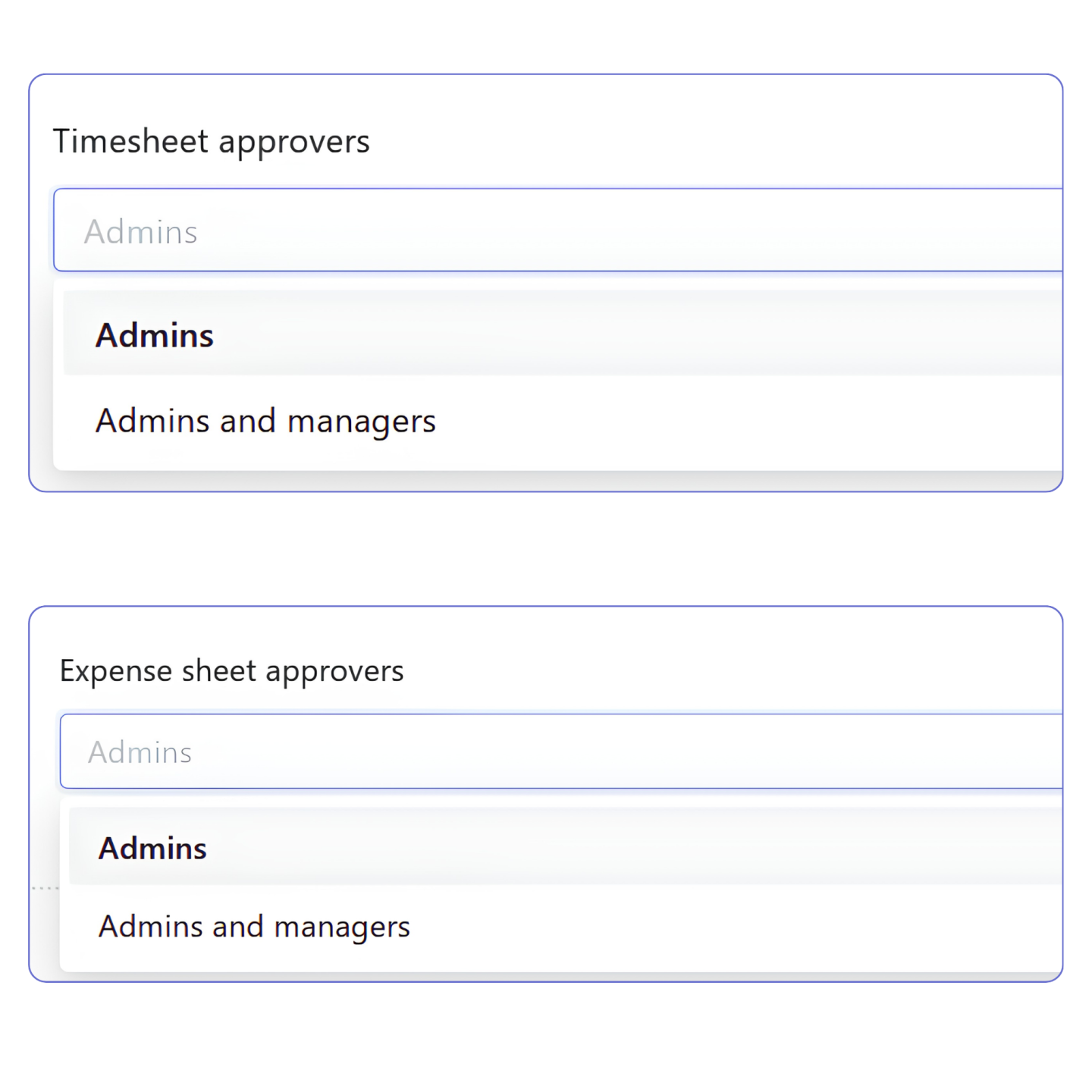
Configure approval workflows
Choose whether timesheets and expense sheets are approved by Admins only or by both Admins and Managers.
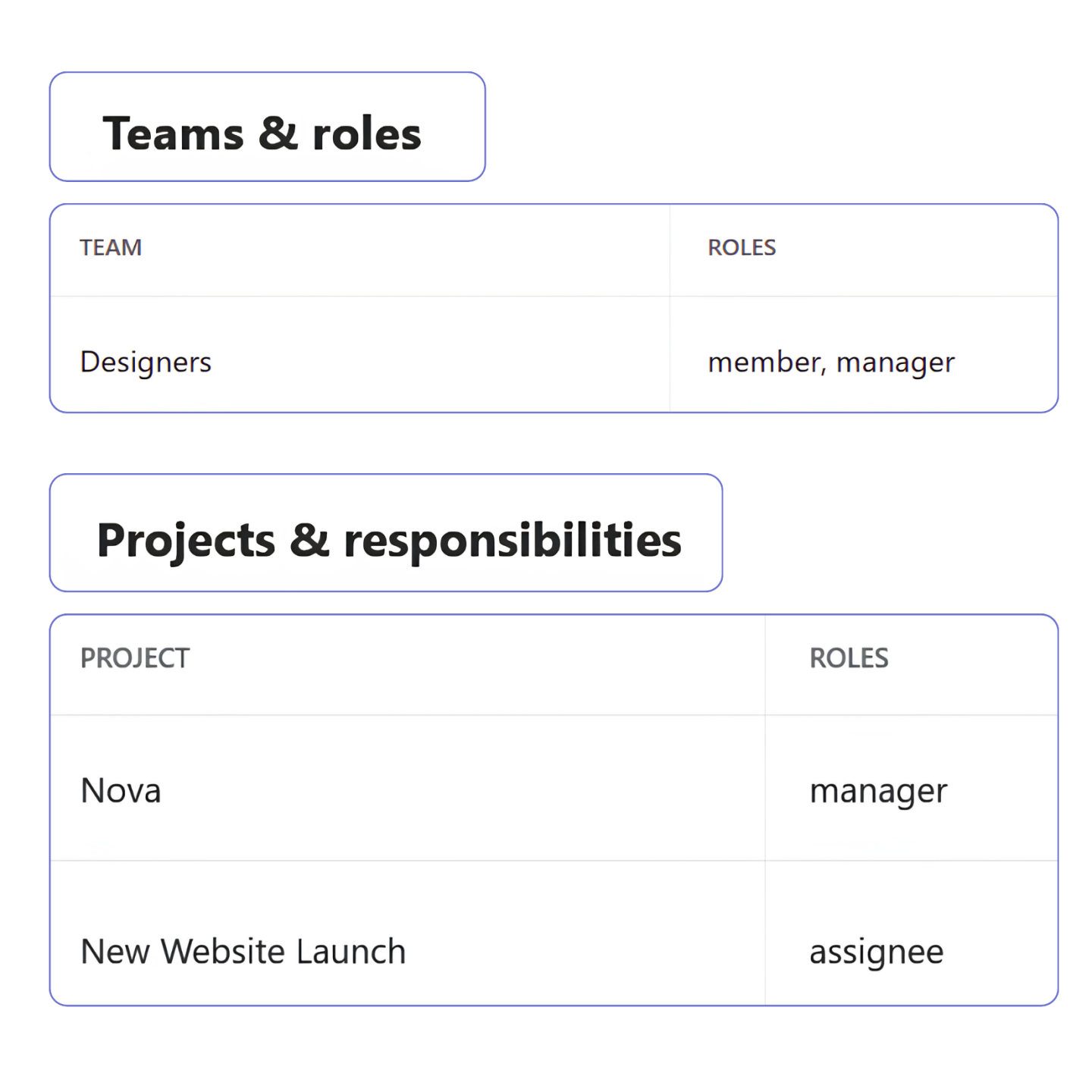
Review assignments
See every user’s assigned teams, projects, and management responsibilities from a single profile.
FAQ
Can one person manage multiple teams and projects?
Yes. One person can manage multiple teams and projects at the same time.
Can someone manage one project while contributing to another?
Yes. Someone can manage one project and contribute to another, since assignments are set per project.
Do Managers have access to financial information?
Only Owners and Admins have access to financial data such as rates, revenue, expenses, and invoices.
Can roles be changed later?
Yes. Workspace roles and management assignments can be updated as responsibilities change.
What happens when someone changes roles?
Permission levels automatically update when someone’s role changes, immediately granting or restricting access.
Can a workspace have multiple Admins?
Yes. Assign the Admin role to multiple people to share administrative responsibilities and ensure operational continuity.
Can Users see each other’s tracked time?
No. Users can only view their own time and attendance information. Team-level data is available only to Managers, Admins, and Owners.
Does Traqq support custom permission sets?
Traqq uses predefined roles rather than custom permission settings. This keeps workspace administration consistent and easier to manage as teams grow.