Individual schedules, attendance & break tracking
Set schedules, track attendance, and compare work and break time in structured reports.
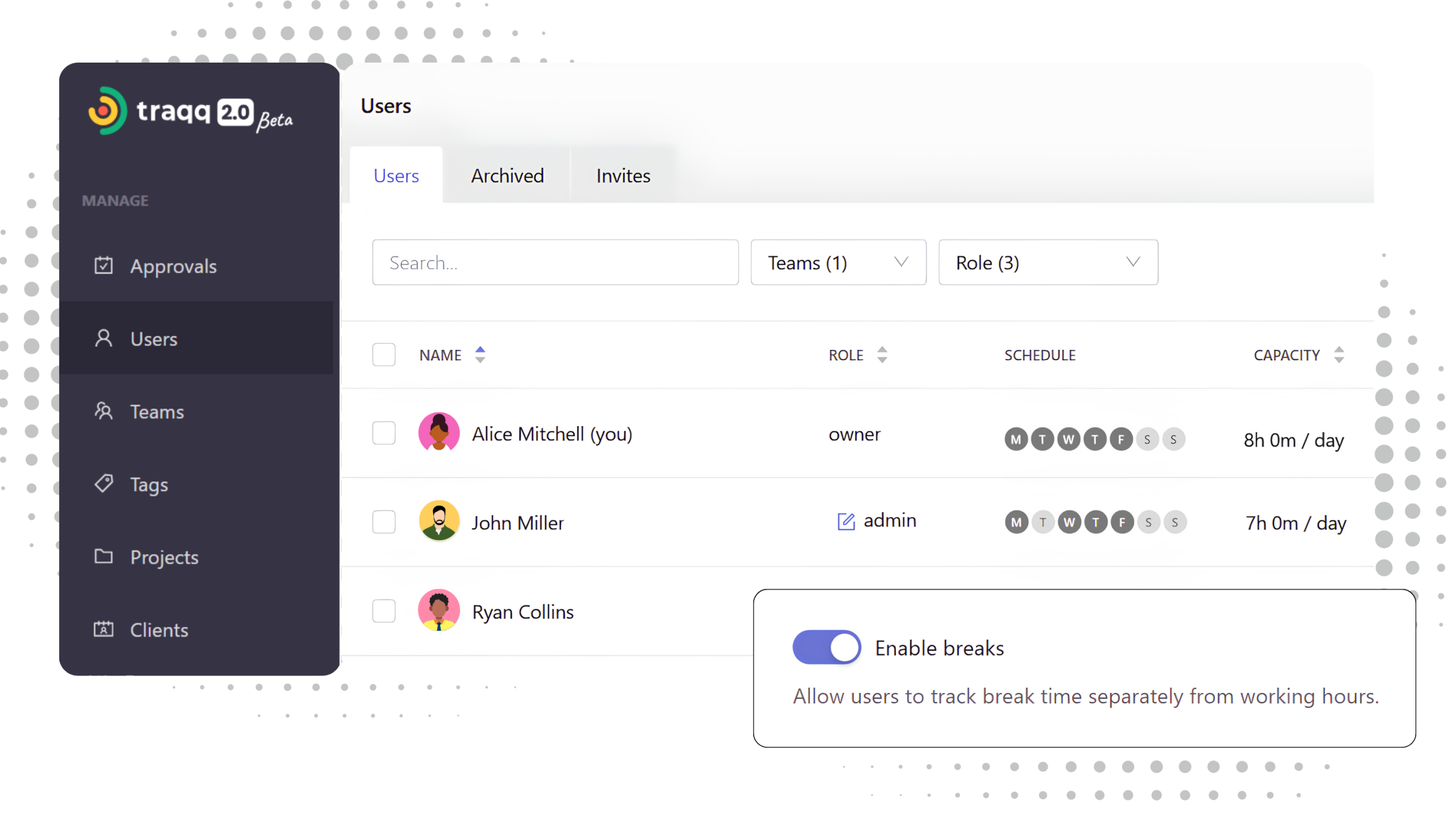
A single structure for schedules, attendance, and tracked time
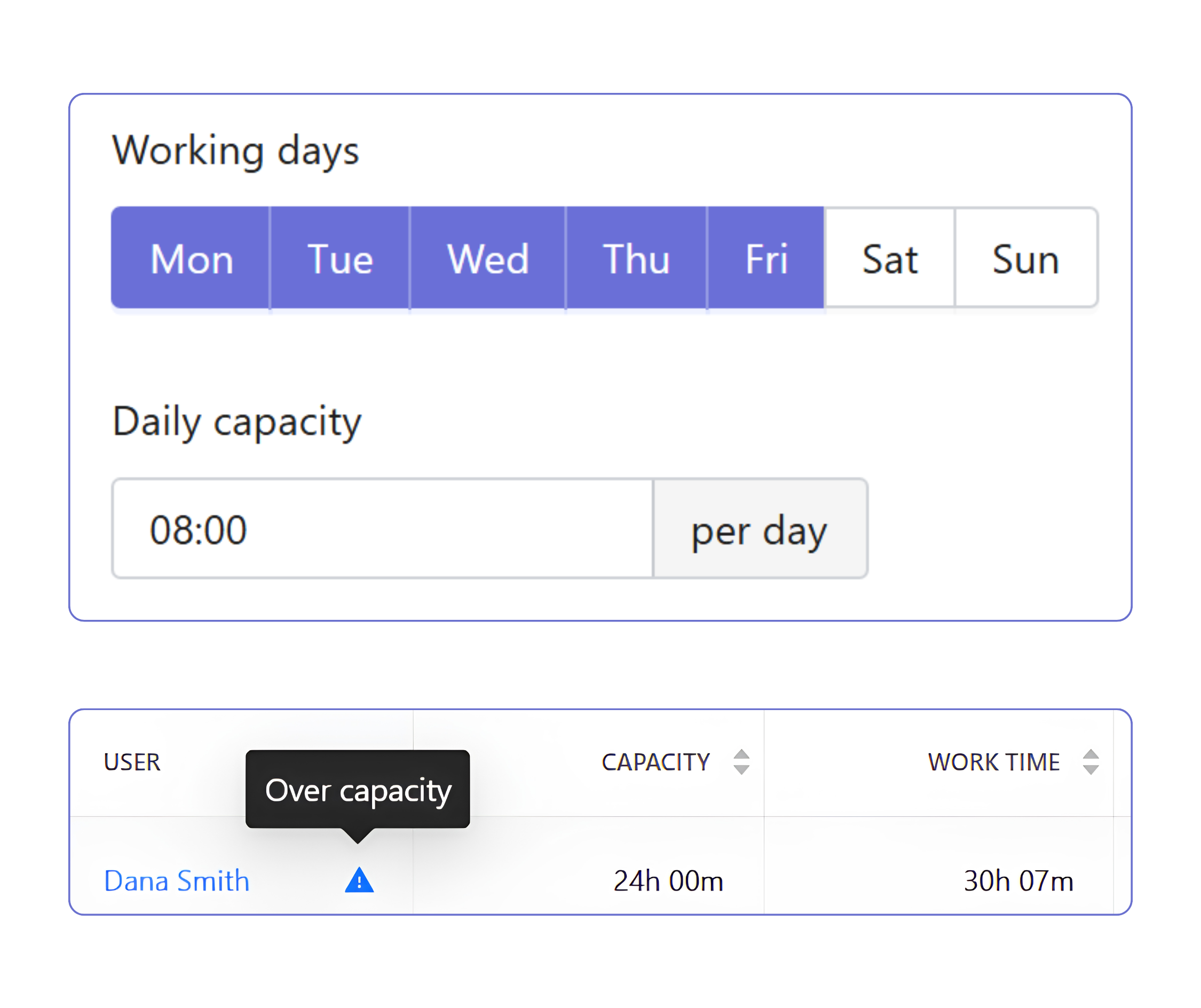
Plan and analyze workload
- Set individual schedules
Set working days and daily hours for each team member. - Compare tracked and planned time
Compare scheduled hours with tracked time to understand how work aligns with expectations. - Spot overtime
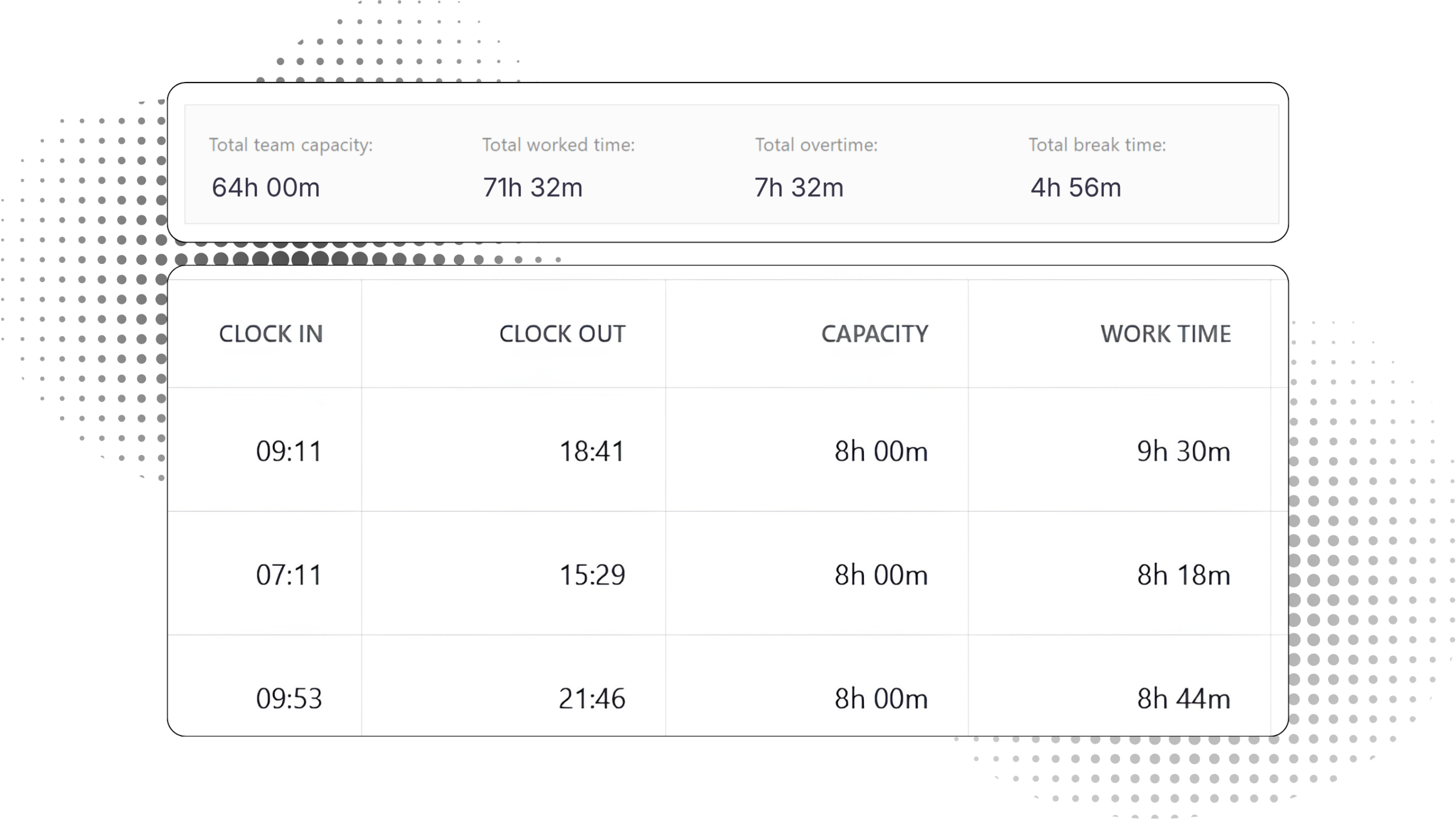
Overtime is calculated automatically from scheduled hours and tracked time. - See how work is distributed
Identify continuous work blocks and fragmented work patterns across users and teams.
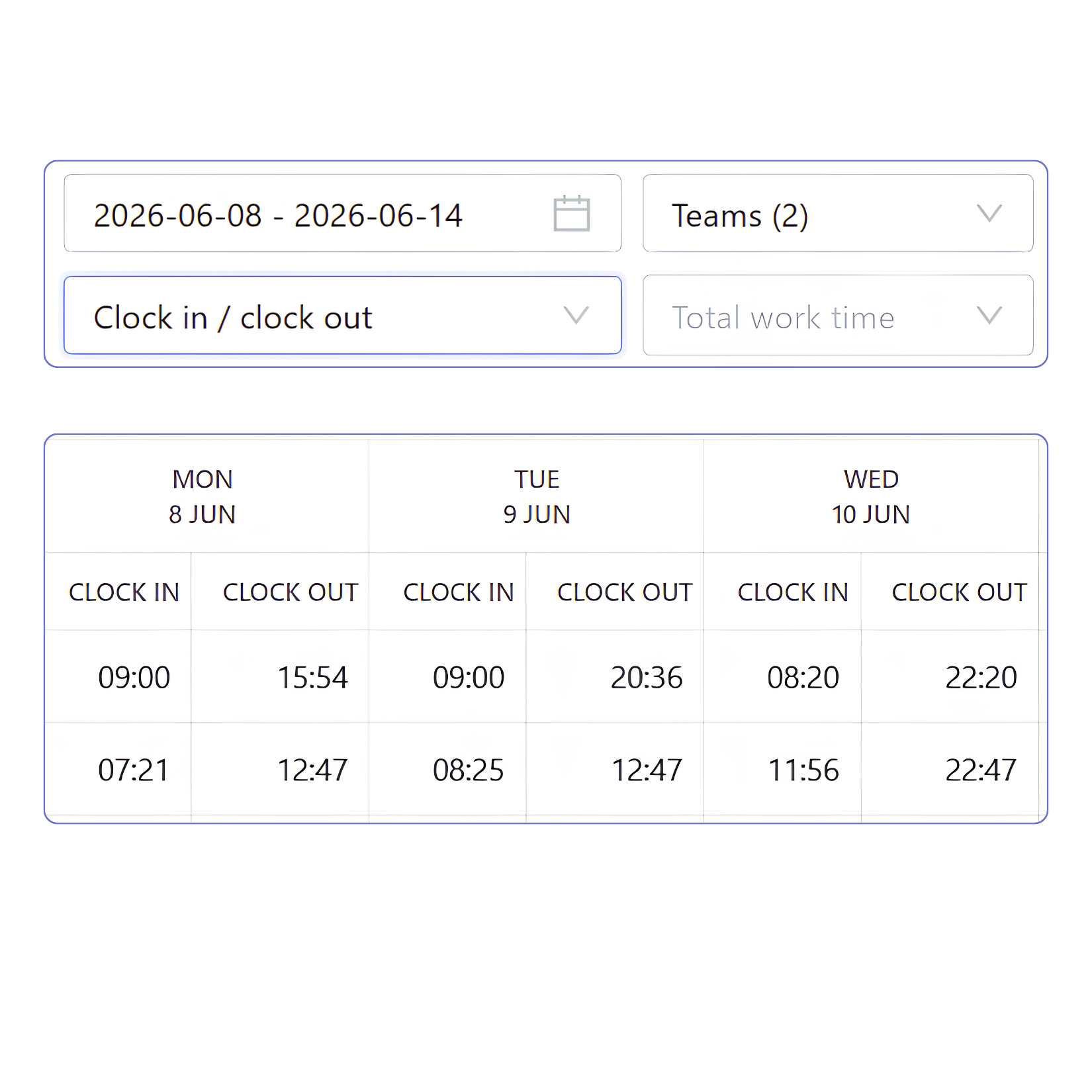
Attendance data
- Clock in / clock out
See workday start and end times from clock-in and clock-out records. - Filter attendance data
Filter by presence status and time ranges to analyze attendance across teams and individuals. - User-level time logs
Review detailed time entries for each user across the selected week.
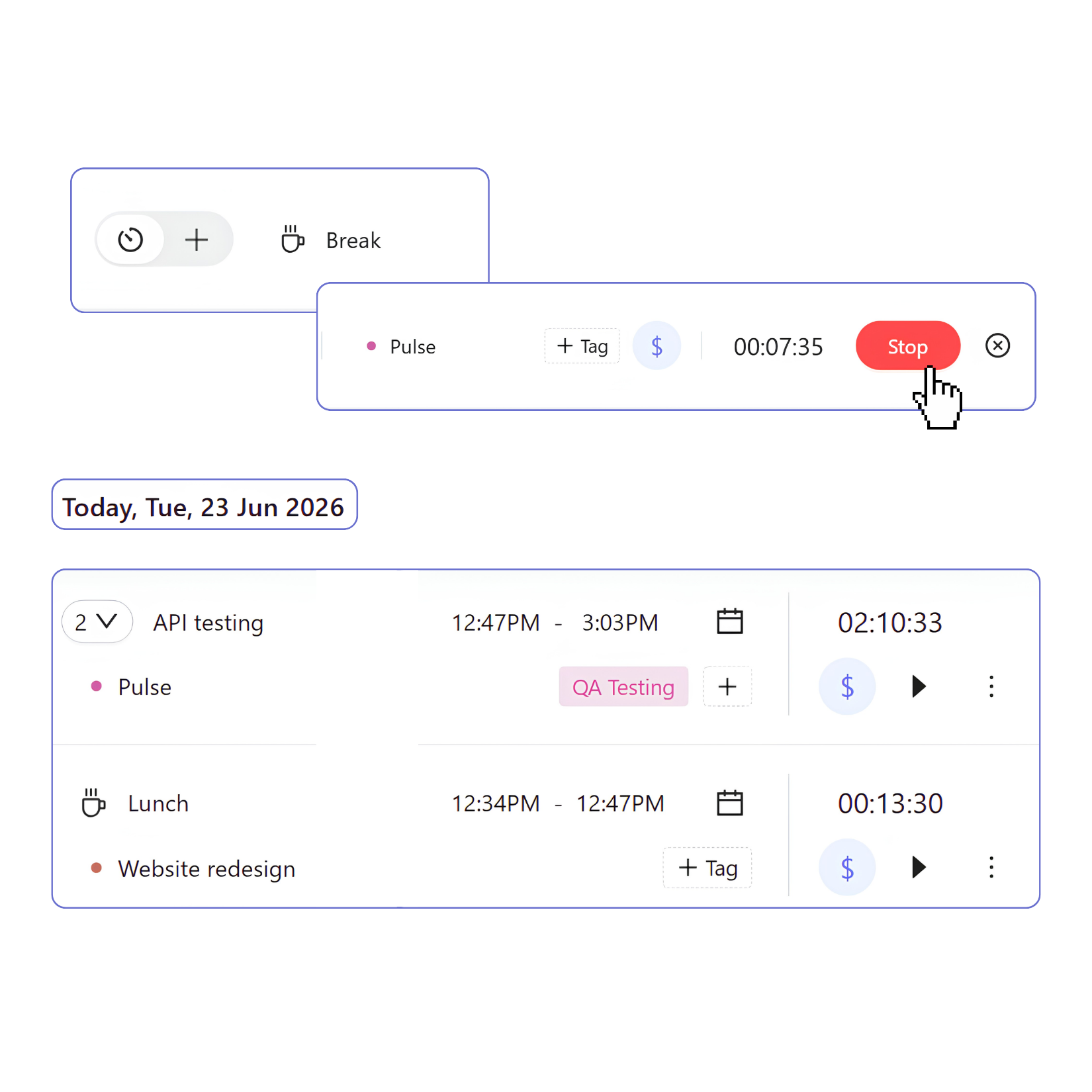
Break tracking
- Enable break mode
Enable a dedicated mode for tracking breaks during the workday. - Log break time
Start and stop a break timer just like regular time tracking. Add optional context such as project or billable status. - View break data in reports
Break time is shown separately from work time for accurate reporting and compliance tracking.
Compliance reporting
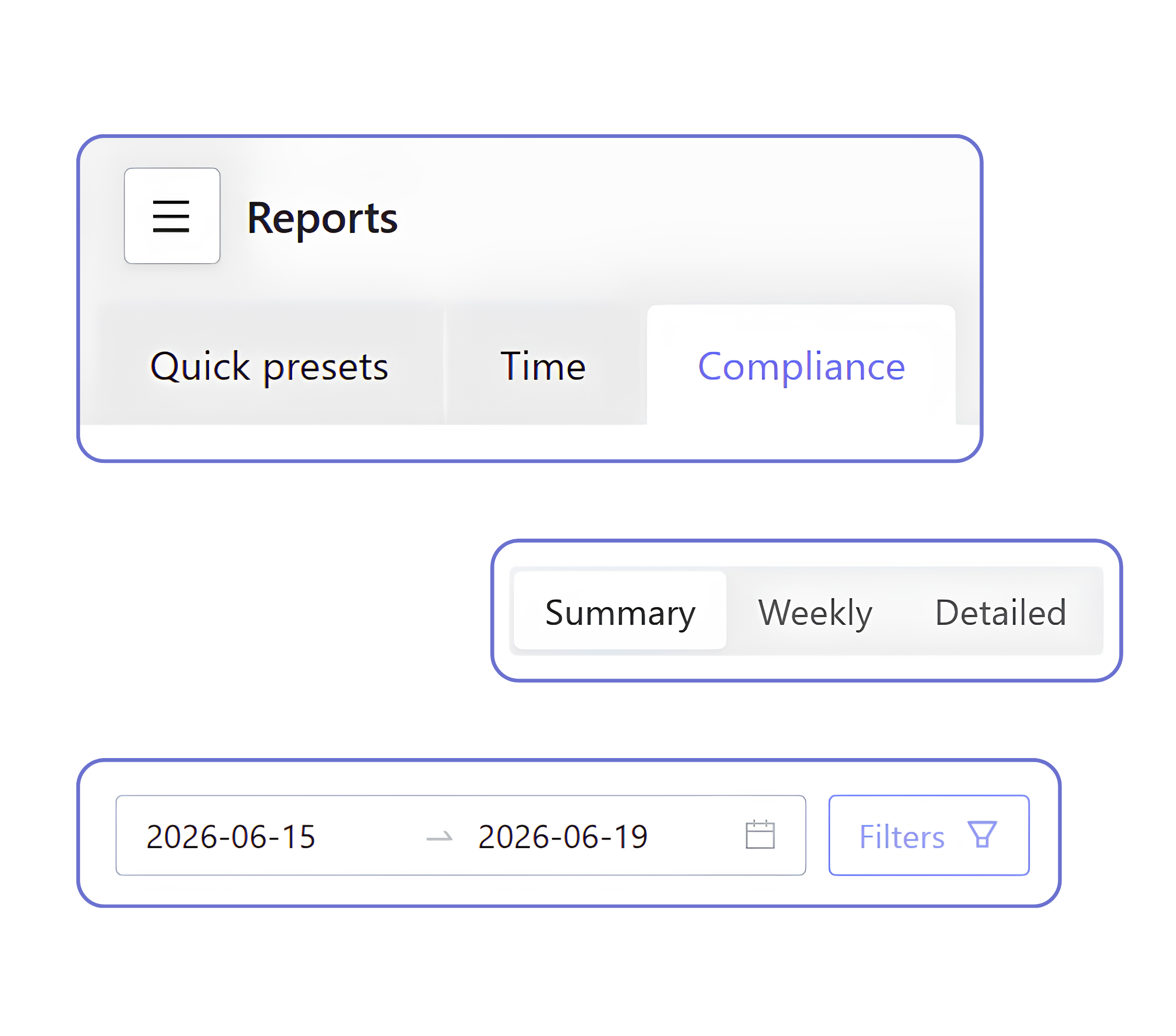
Compliance reports bring schedules, attendance, and tracked time together for organization-wide reporting.
- Summary view provides aggregated time and workload metrics for the selected period.
- Weekly view breaks down daily work and break time for each user in the selected week and lets you switch to clock-in and clock-out view per user.
- Detailed view lists individual work sessions with clock-in and clock-out times, capacity, break time, and time off data.
Reporting that runs on tracked time
Once schedules are set, reporting runs entirely on tracked time. As users log work, all insights are generated automatically without additional setup or manual input. Reports remain continuously up to date.
FAQ
Can I set a shared schedule for the workspace?
Yes. Workspace Owners and Admins can define a default schedule in workspace settings. It applies to new users until an individual schedule is set. Individual schedules always take priority over the workspace default.
Can I disable break mode?
Yes. Break mode can be disabled by workspace Owners and Admins in workspace settings.
Is reporting real-time or on demand?
Reports always reflect the latest available data and update automatically as new time entries are recorded.
Can I view data by team or user?
Yes. You can filter data by team or individual users in any report.
Is break time included in overtime or total worked time in reports?
No. Break time is excluded from both overtime and total worked time calculations and is shown separately in reports.