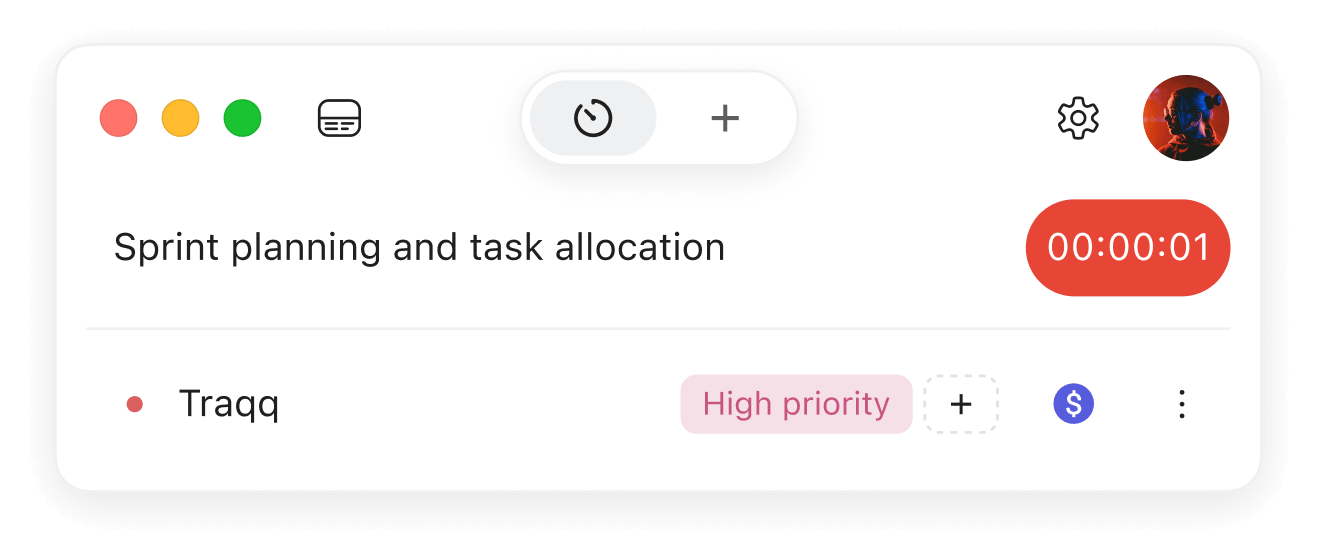
When you’re managing freelancers across different time zones, time tracking helps bring work back into focus. Productivity becomes visible, work hours don’t spread into “always online” territory, and coordination becomes less of a guessing game. Used ethically, it adds visibility without turning management into surveillance.

Quick Summary
- What makes distributed teams difficult? When you’re managing freelancers across different time zones, time tracking helps prevent missed expectations, unclear deadlines, and “end of day” confusion from turning into bigger workflow problems.
- How does time-tracking support accountability? Ethical time tracking makes ownership, results, worktime, data security, and billing more transparent without pushing the team into surveillance territory.
- When time-tracking becomes a system? Time trackers work best when you pair them with clear tasks, fair rules, thoughtful data interpretation, and enough time to spot real patterns.
- What can time-tracking apps do for you? Modern tools can collect work metrics, flag overwork or underuse, protect sensitive data, and help settle work time disputes more calmly.
What Makes Distributed Teams Difficult to Manage?
A small time-zone problem that feels bigger than it should
Meet Mark.
Mark runs a distributed team of web developers from his small office in Cleveland, Ohio. On Tuesday morning, he messages Jane, his backend developer, about a new feature she’s been working on. Jane replies that she’ll deliver it by the end of the day.
Hours pass, but Jane says nothing. By 5 p.m., Mark is annoyed: he doesn’t want to stay late just to check whether one feature is ready. He waits another 20 minutes, marks the task as “Expired,” and leaves the office steaming.
At that same moment, Jane sits in her home office in Medford, Oregon, wondering why the task has expired when it’s only 2:20 p.m. for her. From her point of view, she still has most of the afternoon ahead. From Mark’s point of view, the day is already over and the task missed its deadline.
Nobody is technically wrong, but the workflow still breaks. When you’re managing freelancers across different time zones, time tracking helps prevent this kind of confusion.
The clock isn’t the real issue
The Mark-and-Jane situation shows only one problem. Now imagine you don’t have one Jane, but ten or fifteen people working from different cities and countries. Some of them start early, others do their best work after 3:40 p.m., and everyone can join calls only during a two-hour overlap. And, understandably, nobody wants to stay online after hours just to chase someone who started working three hours later.
Managers still need results
You, as the manager, have to balance two sides. Clients expect results and don’t care much about your internal workflow. Your team wants comfort and transparency without surveillance.
The good news is, you don’t have to become a time management guru. There are systems like Traqq designed for exactly this kind of work.
How Time-Tracking Reinforces Accountability Instead of Micromanagement
When you’re managing freelancers across different time zones, time tracking gives you a way to run a team of almost any size without turning into a full-time coordinator. Used ethically, it helps you see how work moves around the globe while making sure people don’t feel watched every time they click a mouse or press a key. That kind of accountability makes work clearer, and there are a few benefits worth looking at more closely.
Clear ownership
Ownership isn’t the same as “being assigned a task.” You can have three developers working on different parts of one feature, plus a designer, a QA specialist, and someone else fixing the thing everyone forgot existed. But one person still needs to be responsible for the final result.
Traqq makes that ownership easier to see. It shows who owns the project, who works on each part, and where responsibility sits if the work slows down. The goal is not to find someone to put the blame on. It’s more like: “This is Jane’s feature, Mike handles the API, Anna is testing it.”
Measurable results
Once everyone has their tasks assigned, they also need to know what “done” means. Because, “78% ready” can still hide secrets behind the curtain. Maybe the backend is finished, but the frontend can’t connect to it. Or maybe the design is approved, but QA hasn’t touched it yet. Technically, something is moving, but practically there’s nothing to ship yet.
Traqq helps connect work logs with actual outcomes. It shows how much time went into each task, what stage the work reached, and where one team depends on another. It also helps transfer results between teams safely, so people get the access and context they need without opening the entire company toolbox.
Visible work time
This part can sound like a manager staring over your digital shoulder, watching every tab, every pause, every suspiciously long coffee refill.
But ethical time tracking doesn’t need to take screenshots every three minutes, monitor every website, or deduct money from someone’s pay because their child called to ask what’s for dinner. That’s when time management turns into a tiny dystopia with invoices.
The goal is simpler: to see where work stalls, where tasks pile up, and where someone has too little or too much on their plate. Good tracking doesn’t exist to pay people less. Instead it helps managers balance workload, so freelancers aren’t overloaded or underused.
Data security
This part puts a lot of pressure on developers, especially now that AI tools are everywhere. Sometimes compromise is unavoidable. A company may genuinely need to know whether someone opened an AI tool to ask for a quick dinner recipe or pasted sensitive client data, source code, or NDA-protected information into the same tool.
That’s where transparency does the heavy lifting. Modern time-tracking tools support security without digging through personal data, but the rules must be clear from the start. It’s your job as a manager to explain what gets recorded, who can access it, how long it’s stored, and whether humans or AI systems analyze it.
The best way to avoid accusations is to be direct. Explain how work-related data is gathered, where the line is between company security and privacy, and what safeguards protect the freelancer’s personal information.
Transparent billing
Finally, time tracking helps the company understand how much work actually costs. That doesn’t mean freelancers should feel like they bleed money every time they look away from the screen. People aren’t machines, and pretending otherwise is how you get bad work with a neat timesheet.
The real goal is clean billing. Managers can see how many hours a project takes, compare estimates with reality, control expenses, and plan future work with fewer surprises. Freelancers, meanwhile, get a clearer record of what they did and why they should be paid for it.
When Time-Tracking Becomes a System
A problem that sometimes comes with time tracking is overreliance on the tool itself. Obviously, no one wants to track hours, calculate payroll, and make invoices by hand. But every manager needs to hear this:
Time tracking only works when there’s a system behind it.
Clarity comes first
When you’re managing freelancers across different time zones, time tracking can show what’s happening, but it can’t decide how your team should work. You still need to structure groups properly: who works with whom, which tasks belong to which team, what time zones they cover, and how they communicate when there’s little overlap.
Data still needs interpretation
Worktime data also needs context. If someone is behind schedule, are they lazy? Maybe. Or maybe they spent half the day waiting for another task, then lost two more hours in calls that could’ve been a three-line comment.
If someone leaves early, they might be slacking, or they might have finished everything faster than expected. The tool shows the signal, but you still need to understand the reason behind it.
Billing rules need human logic
Modern trackers can classify time as billable or non-billable, but only if you set the rules properly. A developer who isn’t actively writing code may still be doing valuable work: discussing architecture, reviewing a pull request, or preventing a bad decision that would cost the team a week later.
You’ll save far more time by setting those rules properly from the start than by sitting through explanations about why someone’s time is still billable even though the screenshots make it look like they spent twenty minutes slacking.
One bad day isn’t a pattern
Time tracking also needs time. Everyone has slow days, packed days, or meeting-heavy days. Don’t judge a freelancer by one bad Tuesday.
Time-tracking tools become useful when they accumulate data over time and start giving you signals based on insights. If the same issue repeats, then you can investigate the pattern, understand what’s causing it, and find a real solution.
That’s when the system starts working
Once structure, expectations, privacy rules, billing logic, and enough data are in place, the system starts to appear. That’s when time-tracking tools really shine: they make the work run like clockwork (the pun was inevitable) and help you spot real bottlenecks instead of guessing.
What Time-Tracking Apps Can Do for You
Modern tools for distributed teams offer much more than basic clock-in and clock-out buttons. They can take some of the most time-consuming parts of management and make them easier to handle. Not effortless, because no app has yet learned how to manage human expectations, but definitely easier.
When you’re managing freelancers across different time zones, time tracking apps give you a shared operational layer: one place where work hours, activity, workload, security risks, and billing questions become easier to review. The real value shows up in a few practical areas.
Work metrics become easier to collect
Most time-tracking apps collect some kind of work metrics. Some tools record mouse movement and keyboard activity without capturing what the person actually types. Others can track open apps and websites, control AI tool usage, and yes, take screenshots.
Screenshots can be useful in some workflows, but they can also feel intrusive if you enable them without clear rules. The good news is that tools like Traqq let you turn specific features on or off, so you can choose the level of visibility that matches your team’s work, privacy expectations, and security needs.
Workload problems become easier to spot
A good time-tracking app can also show when someone works too much or too little. If a freelancer often logs hours late at night, during weekends, or outside the schedule you agreed on, it may be an early burnout signal. And burnout is expensive, messy, and very bad for morale.
The opposite matters too. If someone regularly finishes their tasks with three hours left in the workday, the problem is usually not the person, but your task assignment. Maybe they need more work, better priorities, or a different role in the project. Traqq helps you notice these patterns before they turn into frustration.
Sensitive data becomes easier to control
Traqq also protects sensitive company data. For example, it may detect when confidential information gets copied or pasted into places where it shouldn’t go, including external AI tools, public apps, or personal accounts.
This doesn’t mean you should treat every freelancer like a walking data leak. But when people know the rules are clear and certain actions are monitored, they usually become more careful. That alone can reduce accidental violations, which are way more common than malicious ones.
Worktime disputes become easier to resolve
Not every valuable task looks productive to a tracker. The app may not always capture that work cleanly, but the work still counts.
That’s why Traqq allows freelancers to open work time disputes or add manual billable time requests. Managers can review the request, check the context, and approve, adjust, or reject the time. The freelancer gets an instant update, and the decision doesn’t disappear into a chat thread nobody wants to scroll through later.
Time tracking helps managers see where projects slow down, where workloads become uneven, and where expectations need to be clearer. At the same time, it gives freelancers more transparency around tasks, hours, payments, and boundaries.
The key is to treat time tracking as part of a system. Tools can collect data, highlight patterns, and automate messy admin work, but you still need clear rules, fair expectations, and a bit of common sense.
Try Traqq for free and see if it helps your team stay organized, aligned, and much easier to manage, wherever everyone happens to be working from today.